Kenerate AI

提示词库

AI 提示词库

汇集全球创作者的精选图像、视频与建站提示词。复制任意一条,替换主体或风格,即可用最新模型生成。

15,630 条提示词 · 每日更新 · 完全免费

共 577 条

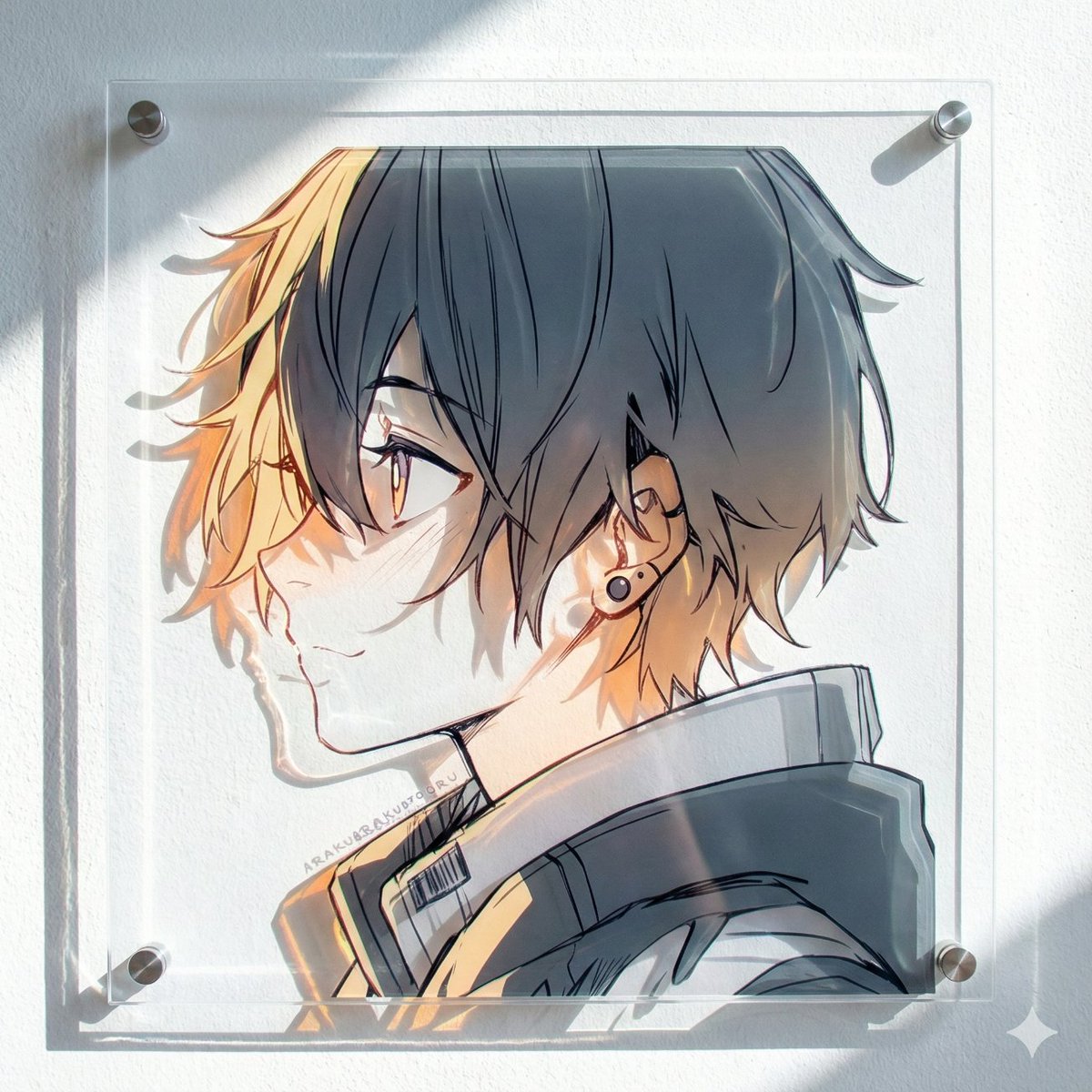
Layered Acrylic Artwork Product Photography

Layered Acrylic Artwork Product Photography

Product photography, perfectly straight-on frontal view. CRITICAL: The original art style, linework, and character features of the input illustration MUST BE STRICTLY PRESERVED. Do not abstract or simplify the drawing itself. The artwork is a physical multi-layered construction mounted on a white wall. **COMPOSITION RULE:** 1. The aspect ratio and orientation of the final product photography should match the dimensions of the input source image. 2. A large clear base panel is secured with visible metallic standoffs. 3. Crucially, the entire die-cut illustration (all layers) MUST be contained entirely within the boundaries of this base panel. 4. There should be an appropriate clear margin between the edges of the illustration and the edges of the base panel. **MATERIAL PHYSICS RULE (HIGH TRANSMISSION):** On top of the base, the illustration is reconstructed using **ultra-clear, highly luminous tinted acrylic sheets** designed for maximal light transmission. 1. The colors are the color of the transparent material itself (glass-like), not painted. 2. **For Skin/White Areas:** MUST be **pure, colorless, ultra-clear glass-like acrylic**. 3. **For Colored Areas (Hair/Clothes):** Use **highly translucent colored acrylic**. The color is vibrant but extremely see-through, allowing significant light to pass. **LIGHTING & SHADOWS:** Strong cool diagonal lighting passes through the highly transparent artwork. **Instead of creating dark or heavy shadows, the light casts bright, glowing, highly translucent colorful caustics onto the wall, showing the wall's texture underneath.** The shadow area should feel light and airy, revealing the original colors as bright projections. 8k resolution, ultra-detailed.
Product Shoot Prompt for Advertising

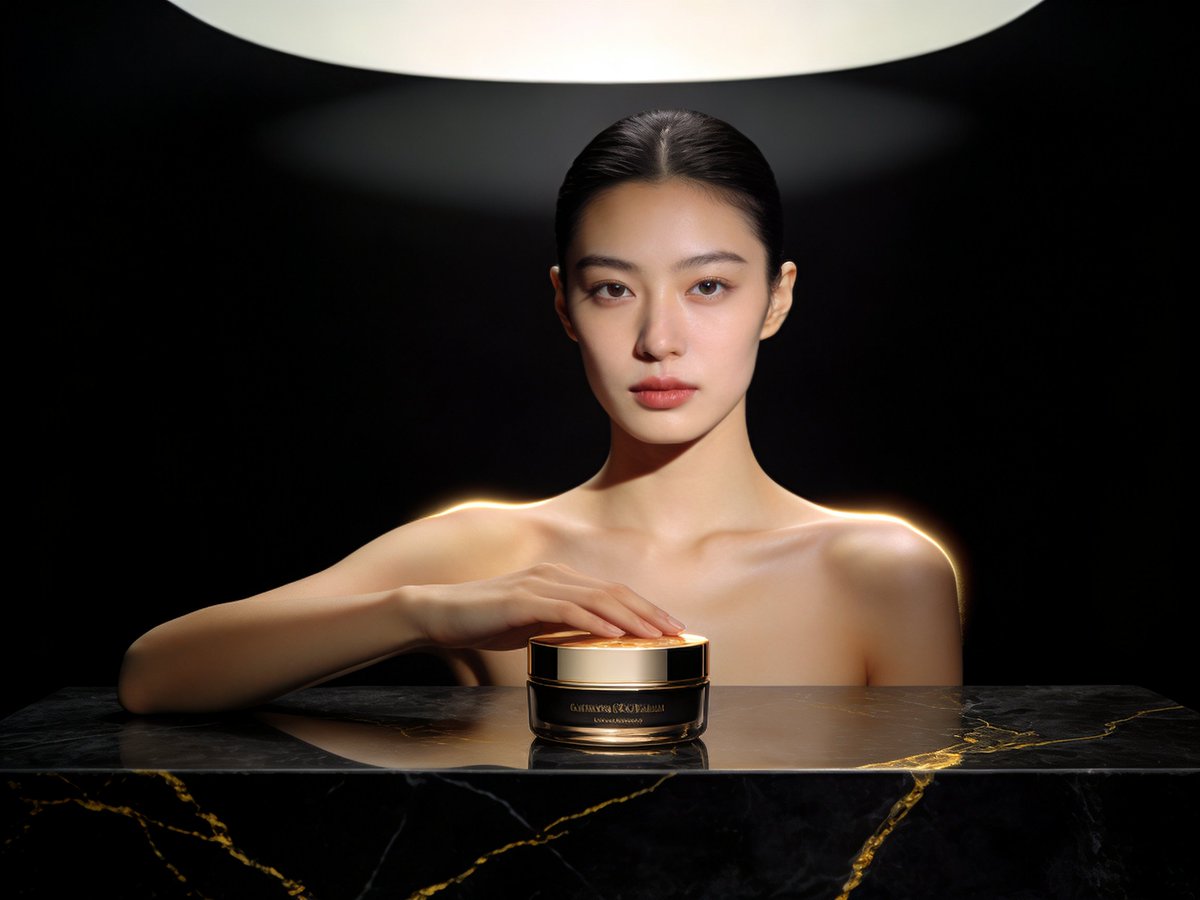
Product Shoot Prompt for Advertising

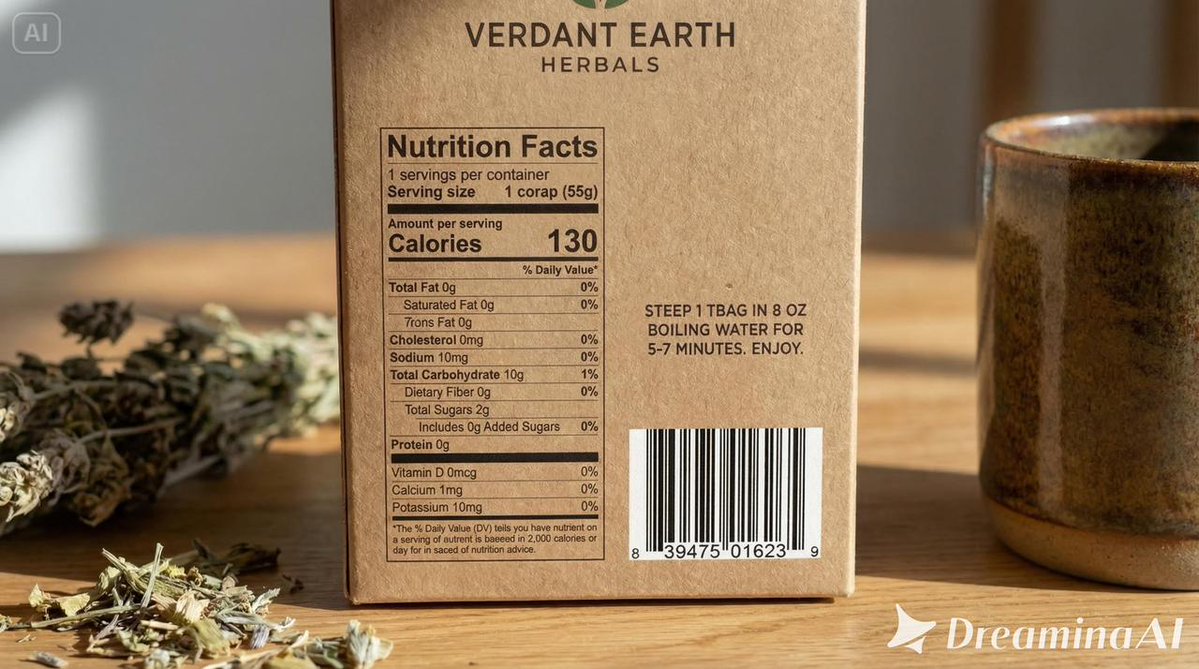
Professional product photography, high-end advertising, luxury, minimalist, clean background, soft studio lighting, focus on texture and detail, sharp, hyper-realistic, 8k, a single {argument name="product name" default="sleek black object"} on a polished marble surface, subtle reflections, dramatic shadows, cinematic composition, depth of field, neutral color palette, commercial style

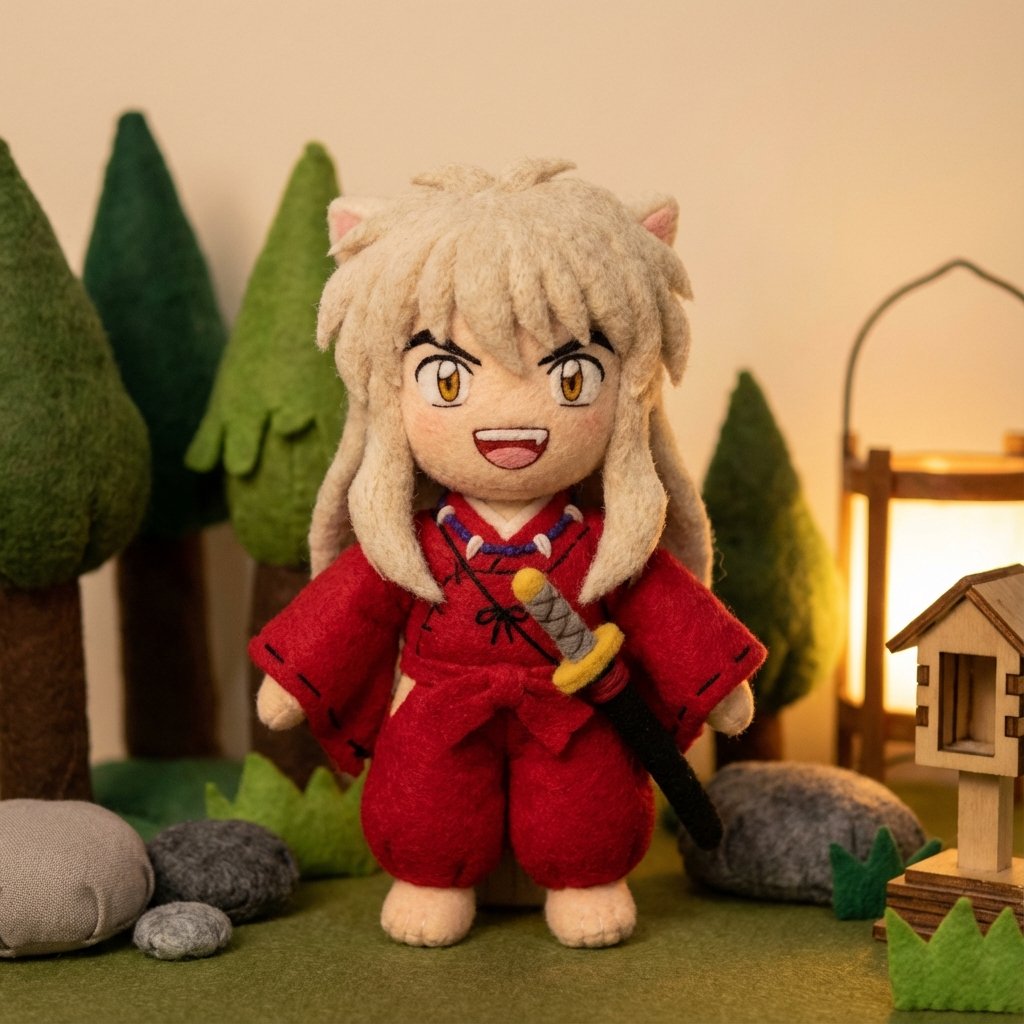
Inuyasha Plush Toy Generation Prompt

Inuyasha Plush Toy Generation Prompt

Inuyasha plush toy, chibi, cute, fluffy, soft, big ears, red kimono, white hair, sitting, simple background, studio lighting, high quality, detailed

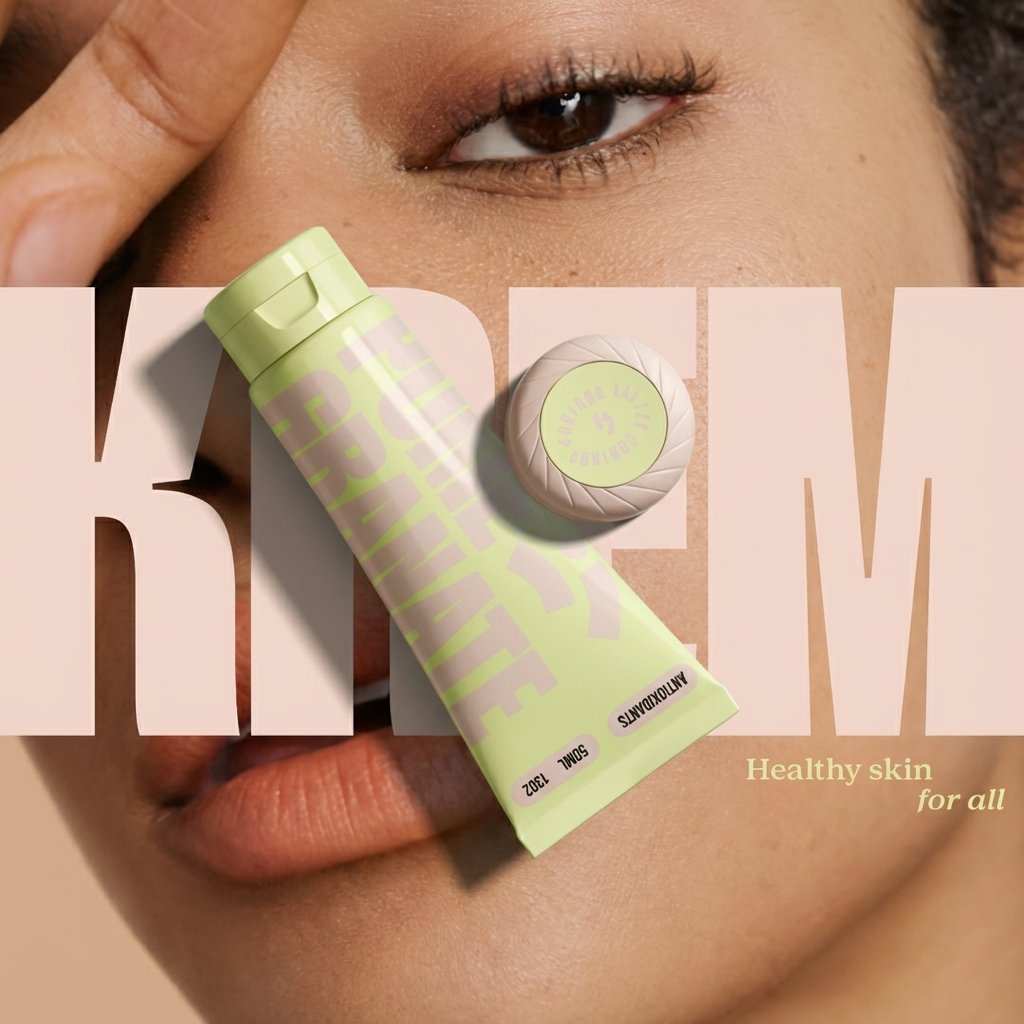
Ad recreation prompt using your product and brand aesthetics

Ad recreation prompt using your product and brand aesthetics

Recreate this ad concept using {argument name="your product" default="my product"} instead of the competitor’s product. Keep the same mood, lighting, composition, and overall vibe. Remove all competitor branding. Replace the product with the one from {argument name="reference image" default="my uploaded image"} and adapt all background elements, props, and surrounding textures to be visually relevant to {argument name="your brand" default="my product’s brand"}, {argument name="flavor profile" default="my product’s flavor profile"}, and aesthetic — not the original brand’s. Maintain photorealism and accurate product proportions.

Product photography prompt for a Tokyo pop-up atlas scene

Product photography prompt for a Tokyo pop-up atlas scene

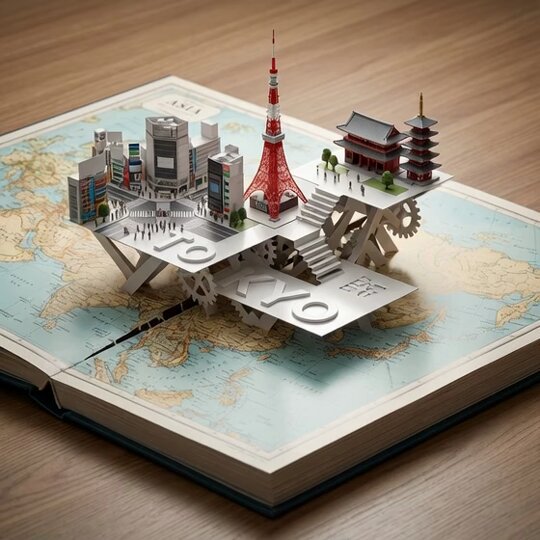
An open hardcover atlas lies flat, with a precision pop-up miniature of {argument name="city" default="Tokyo"} rising from a laser-cut slit across the {argument name="map region" default="Asia"} map. Landmarks {argument name="landmark 1" default="Shibuya Crossing"}, {argument name="landmark 2" default="Tokyo Tower"}, and {argument name="landmark 3" default="Sensō-ji Temple"} interlock with folded paper struts. White 3D "{argument name="title text" default="TOKYO"}" emboss/deboss blends into the pop-up platforms. Softboxes at 45° and 120°, polarized reflections, dynamic low angle, razor-sharp fold edges.

Ad replacement and brand adaptation prompt for Nano Banana Pro

Ad replacement and brand adaptation prompt for Nano Banana Pro

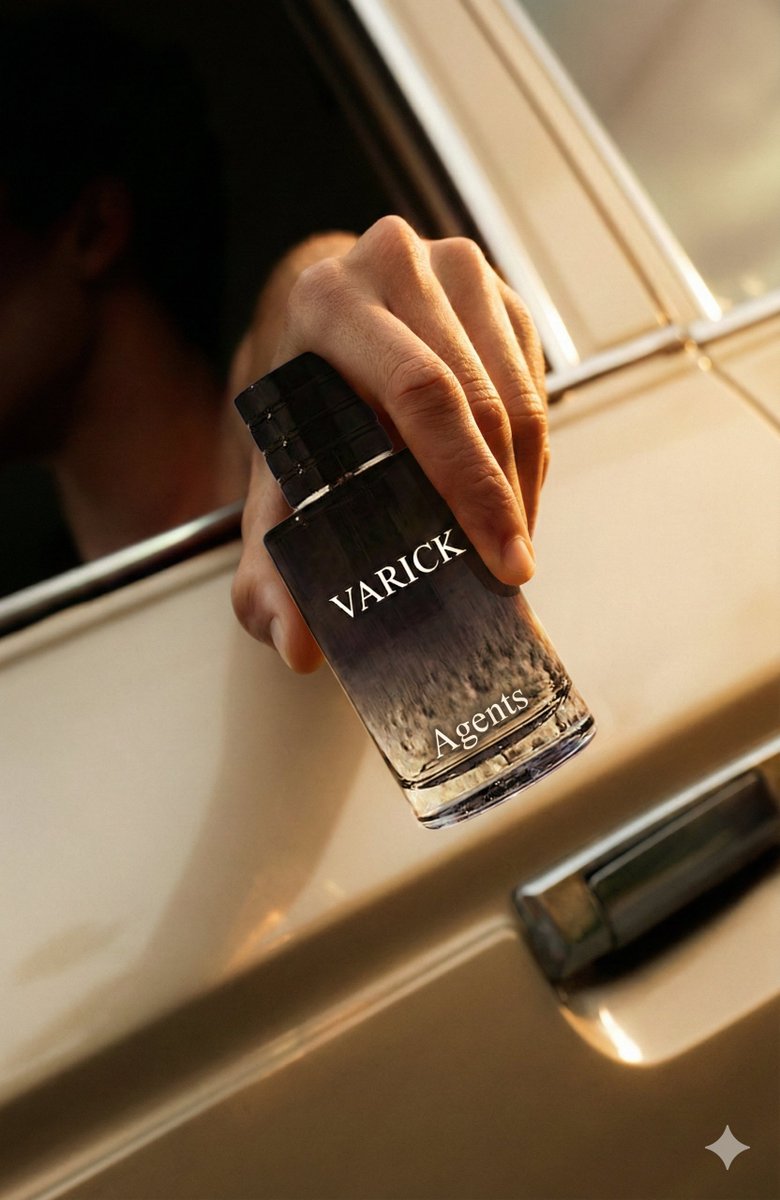
Recreate the provided advertisement concept, but substitute the original product with {argument name="my product in English" default="my product"}. Requirements: Visual continuity Match the source ad’s mood, lighting, camera angle, composition, and overall atmosphere. Do not replicate or keep any competitor logos, text, or brand marks. Product replacement Insert the product from {argument name="uploaded image in English" default="my uploaded image"} in place of the original item. Ensure the replacement appears naturally integrated with accurate scale, proportions, reflections, and shadows. Scene adaptation Adjust all background elements, props, surfaces, and textures so they reflect {argument name="brand style in English" default="my brand’s visual style"}, flavor or aesthetic cues, and thematic identity. Remove or redesign any elements tied to the competitor’s brand. Output quality Maintain photorealistic rendering throughout. Ensure the final composition feels authentic to the original ad concept but clearly represents my brand.

Felt toy character prompt for Nano Banana Pro

Felt toy character prompt for Nano Banana Pro

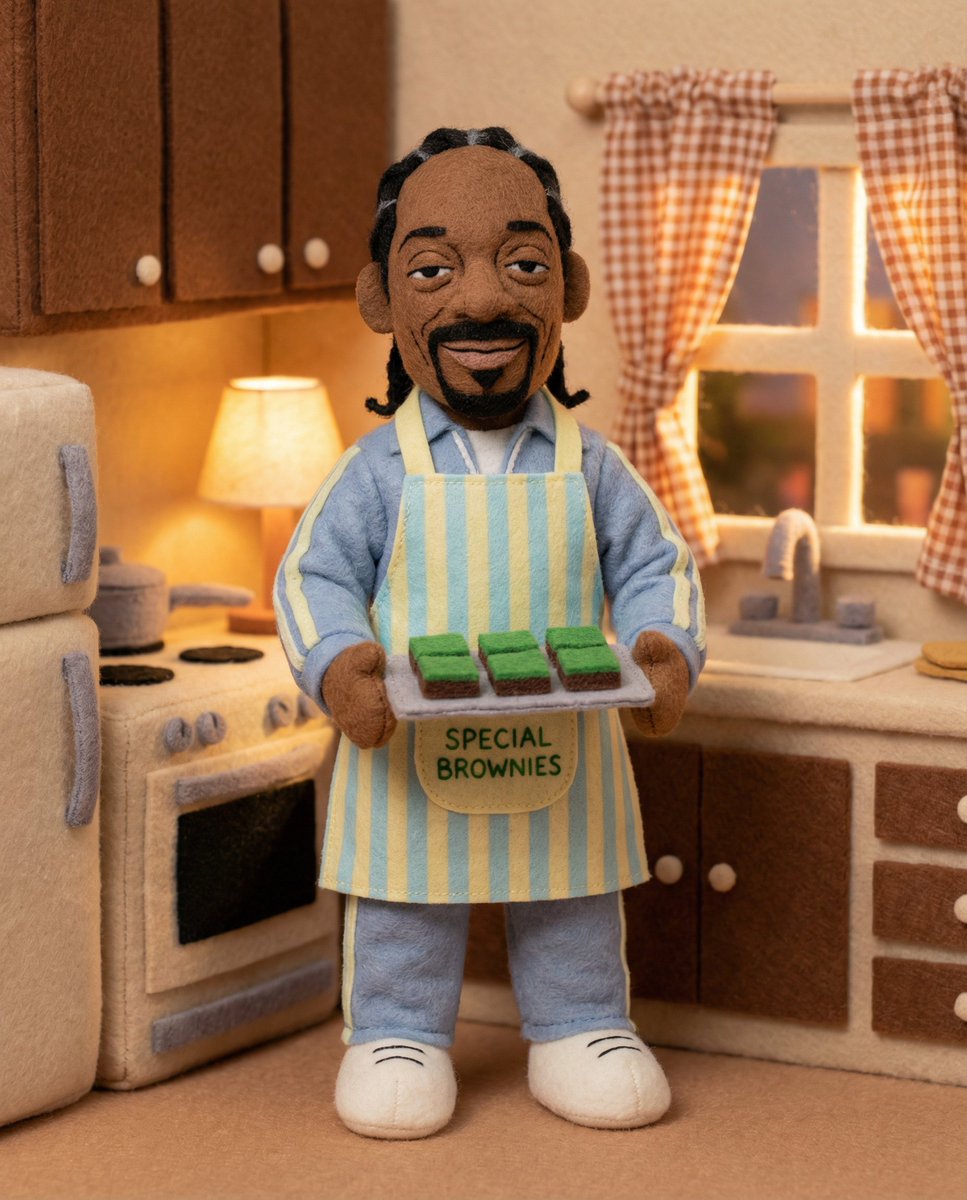
Felt toys Full body {argument name="subject" default="[Subject]"} toy, {argument name="attributes and accessories" default="[attributes/accessories]"}, {argument name="expression" default="[expression]"}, made of felt, in a {argument name="place" default="[place]"}, {argument name="lighting" default="[lighting]"}, with a friendly, cartoonish appearance and rich, soft textures.

Product sketch to final render prompt

Product sketch to final render prompt

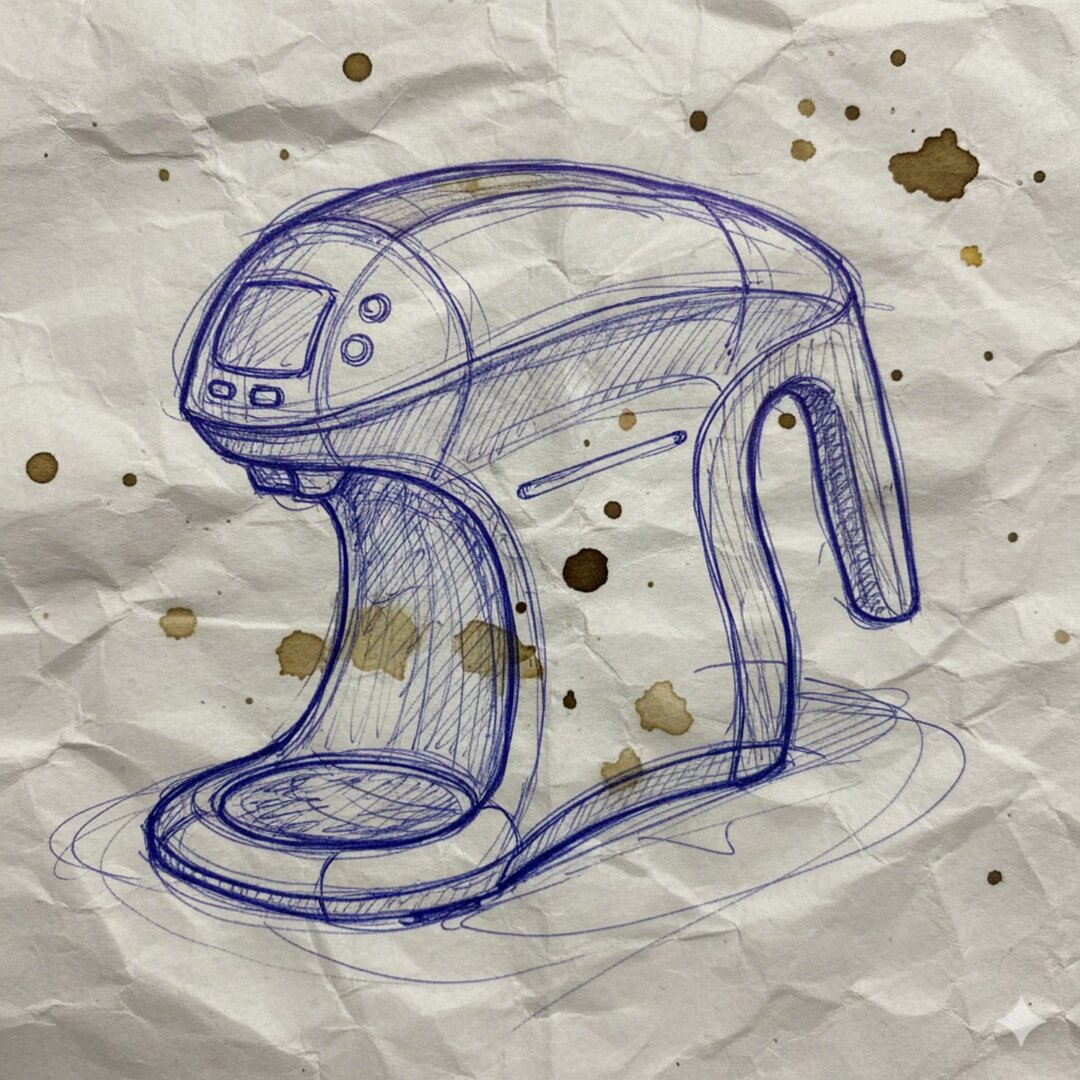
Render this sketch as a final mass-manufactured product. Studio lighting, injection-molded glossy white plastic body, polished oak handle, stainless steel drip tray. Keep the exact proportions of the messy sketch.

Food thumbnails and product shots

Food thumbnails and product shots

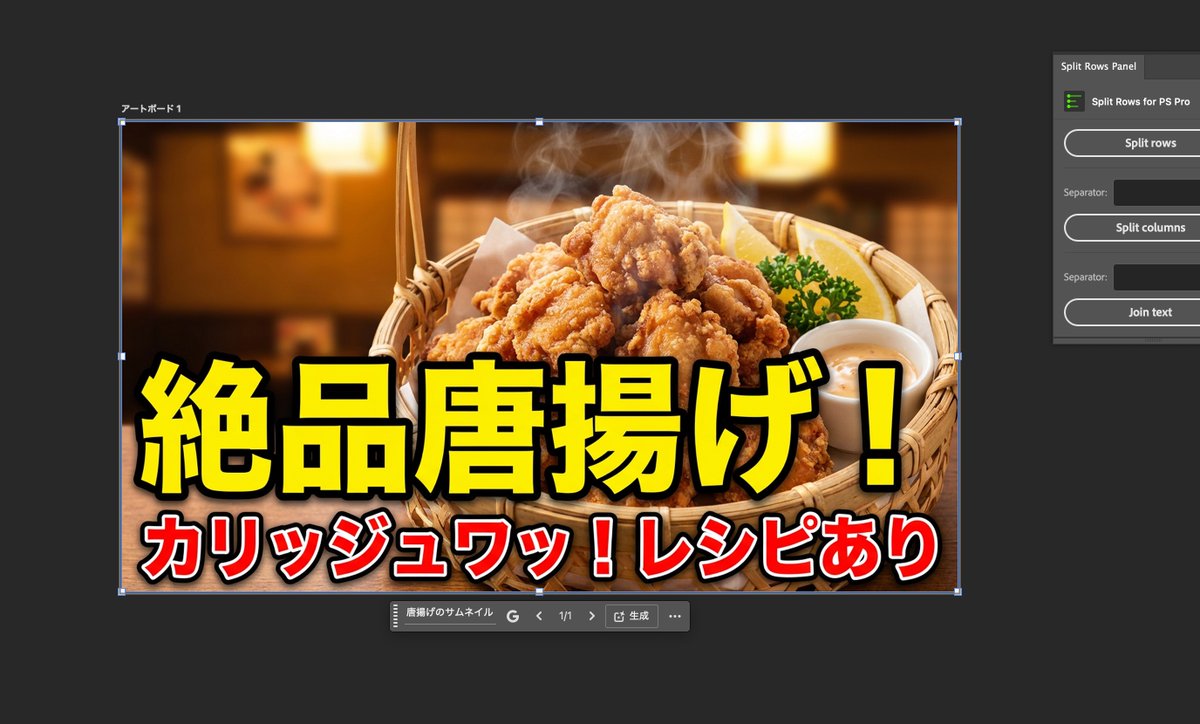
A thumbnail for fried chicken. A thumbnail for Napolitan pasta. Make the background white and turn it into a product photo.

Various redesign commands for Stitch’s Redesign Agent

Various redesign commands for Stitch’s Redesign Agent

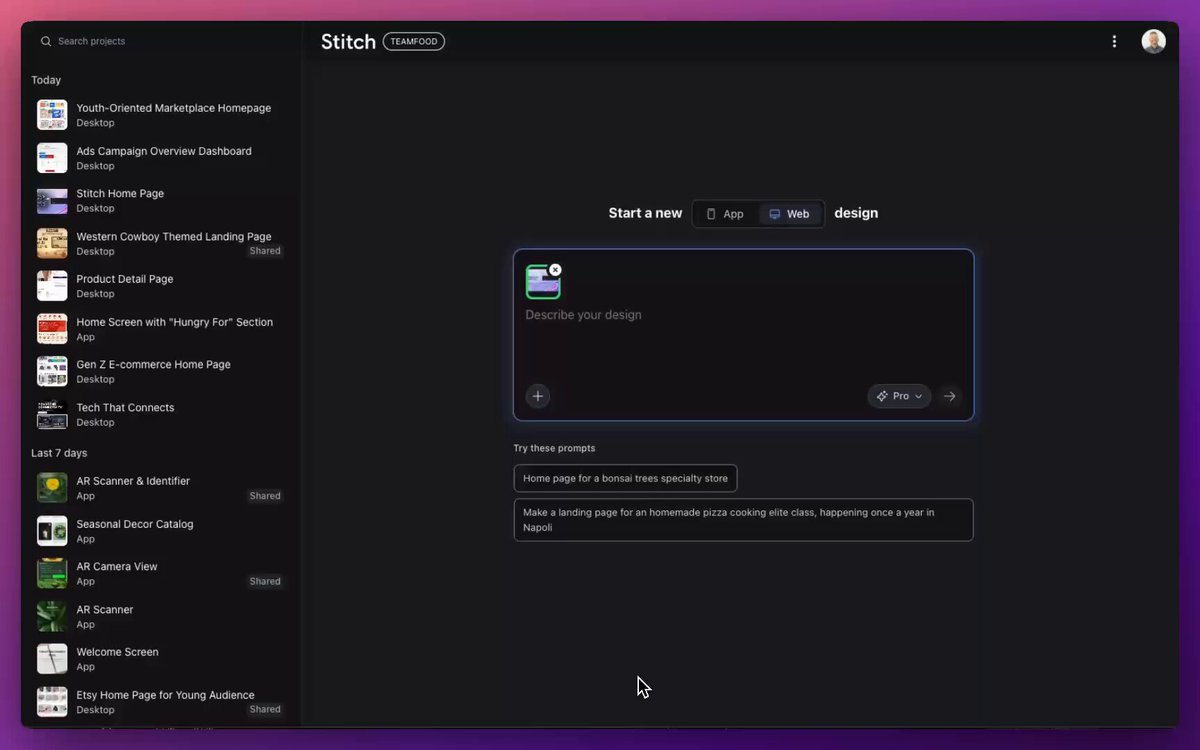
젊은 세대를 위해 이 페이지를 재설계하세요 다음에 나올 가능성이 가장 높은 페이지를 만들어 보세요 카트에 추가하는 사용자 수를 늘리세요 버튼을 10픽셀 아래로 이동

Macro close-up product detail prompt

Macro close-up product detail prompt

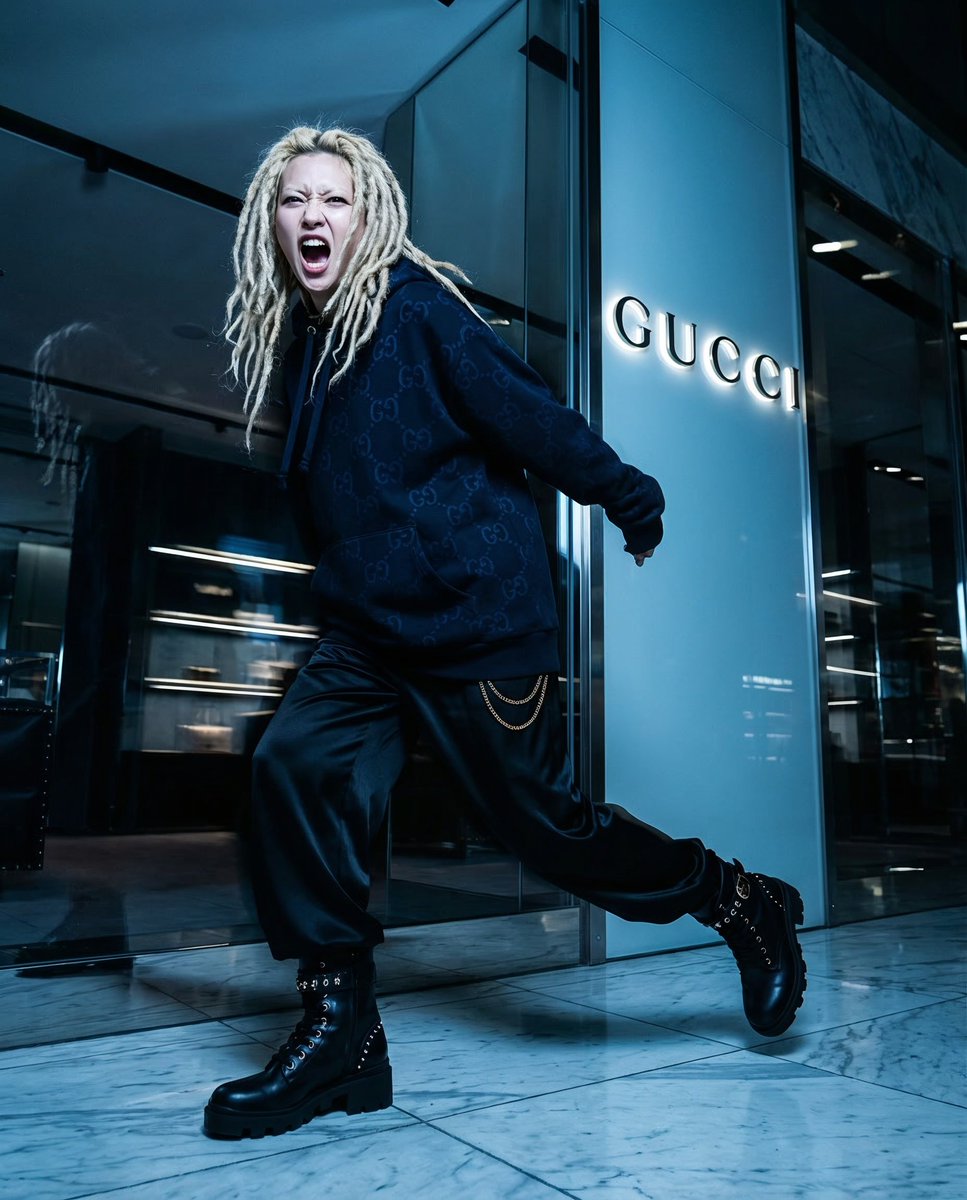
Generate a macro close-up on {argument name="detail_1_en" default="her jumper pattern detail"}, {argument name="detail_2_en" default="boots"}, etc.

Hero-style product advertising poster

Hero-style product advertising poster

Creative, realistic and surreal advertising design for a product {argument name="product_name" default="[product name]"} from the category {argument name="product_type" default="[product type]"}, where the product appears as a heroic element in the center of the frame and visually forms in a smart way that automatically reflects the spirit and identity of the brand. A clean background that matches the brand colors, soft cinematic lighting, ultra-realistic materials, precise shadows, and strong visual composition.

Analog clock and Saudi kabsa meal still life

Analog clock and Saudi kabsa meal still life

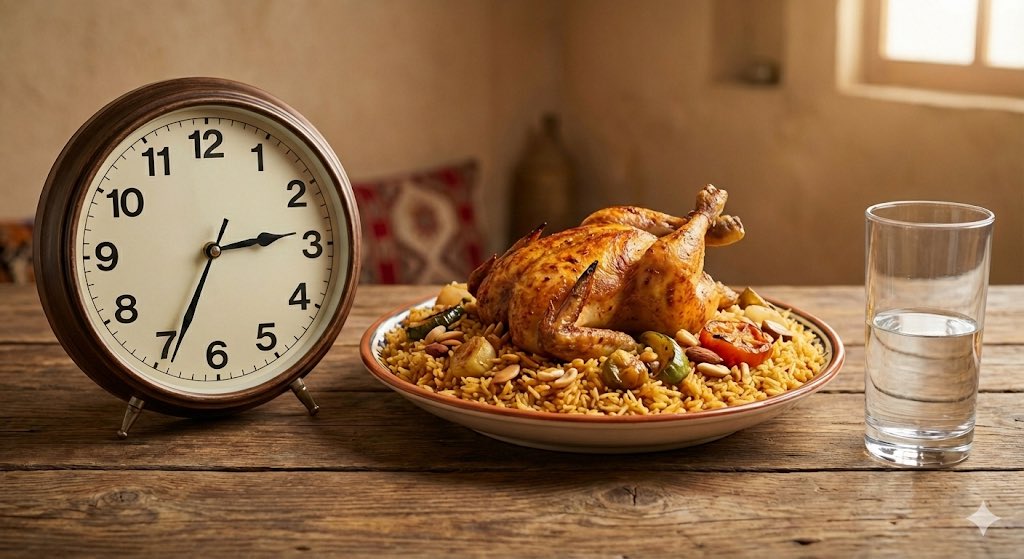
Create an image of an analog clock showing exactly {argument name="time_en" default="15:32"} (not digital and no other time visible), and a plate containing {argument name="dish_en" default="Saudi kabsa"} with a roasted chicken in a golden color, along with a glass of water filled halfway.

High-end cinematic product showcase reel still

High-end cinematic product showcase reel still

A high-end cinematic product showcase of {argument name="product_name_en" default="[Product Name]"}, placed on a reflective premium surface, with soft rim lighting, a dramatic spotlight from above, ultra sharp details, an 85mm lens depth of field, glowing bokeh in the background, smooth gradients, and an elegant luxury feel.

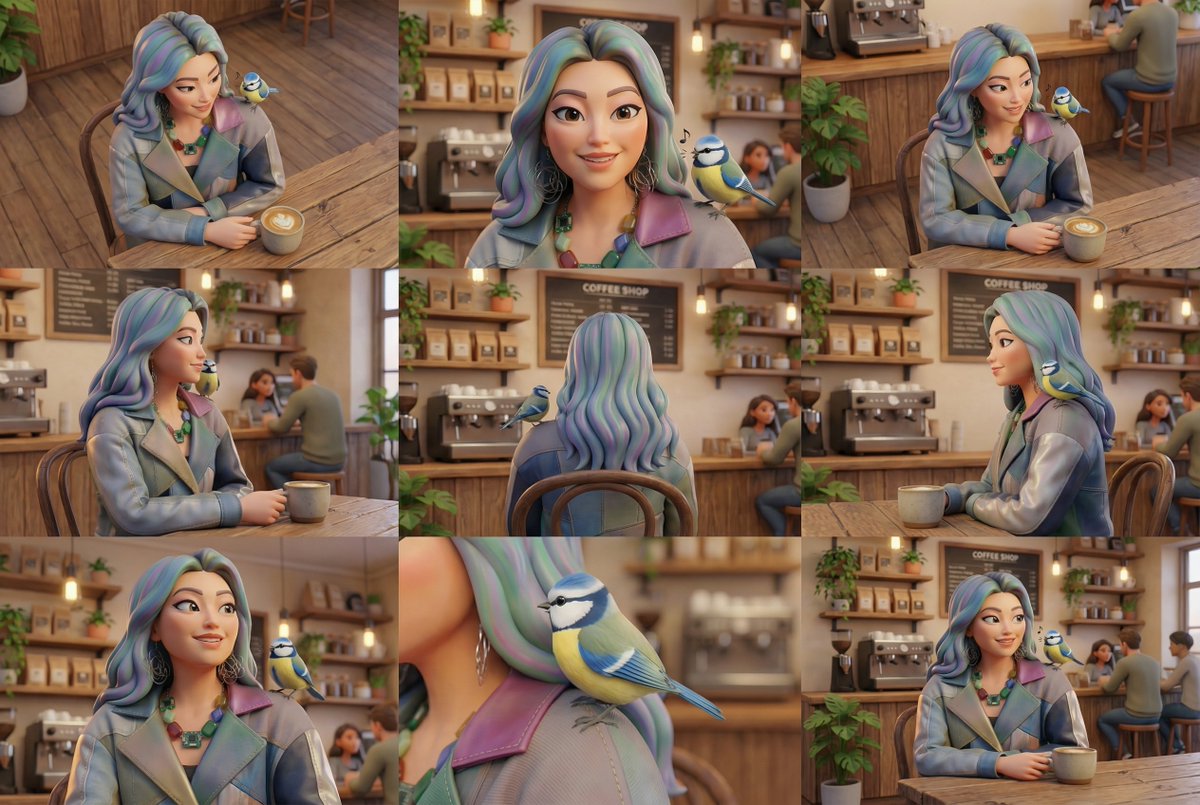
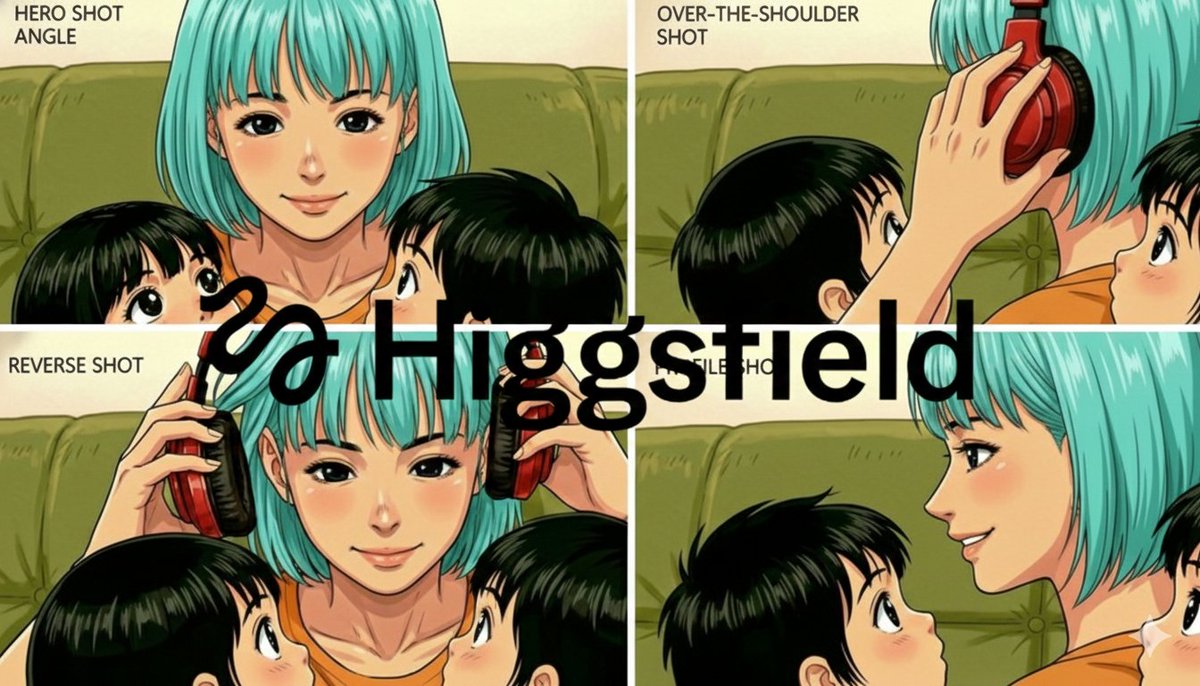
Grid of four camera angles from reference image

Grid of four camera angles from reference image

Create a grid of four different camera angles of {argument name="reference_en" default="your reference image"}, with {argument name="camera_angle_en" default="your chosen camera angles"}, that follow the same style and color palette as {argument name="reference_repeat_en" default="the reference image"}. Make the new shots unique.

Shoe pattern pieces layout

Shoe pattern pieces layout

Create an image showing the individual pattern pieces of this shoe, each separated and placed on a neutral background.

部分提示词收录自 X 平台创作者,版权归原作者所有。