
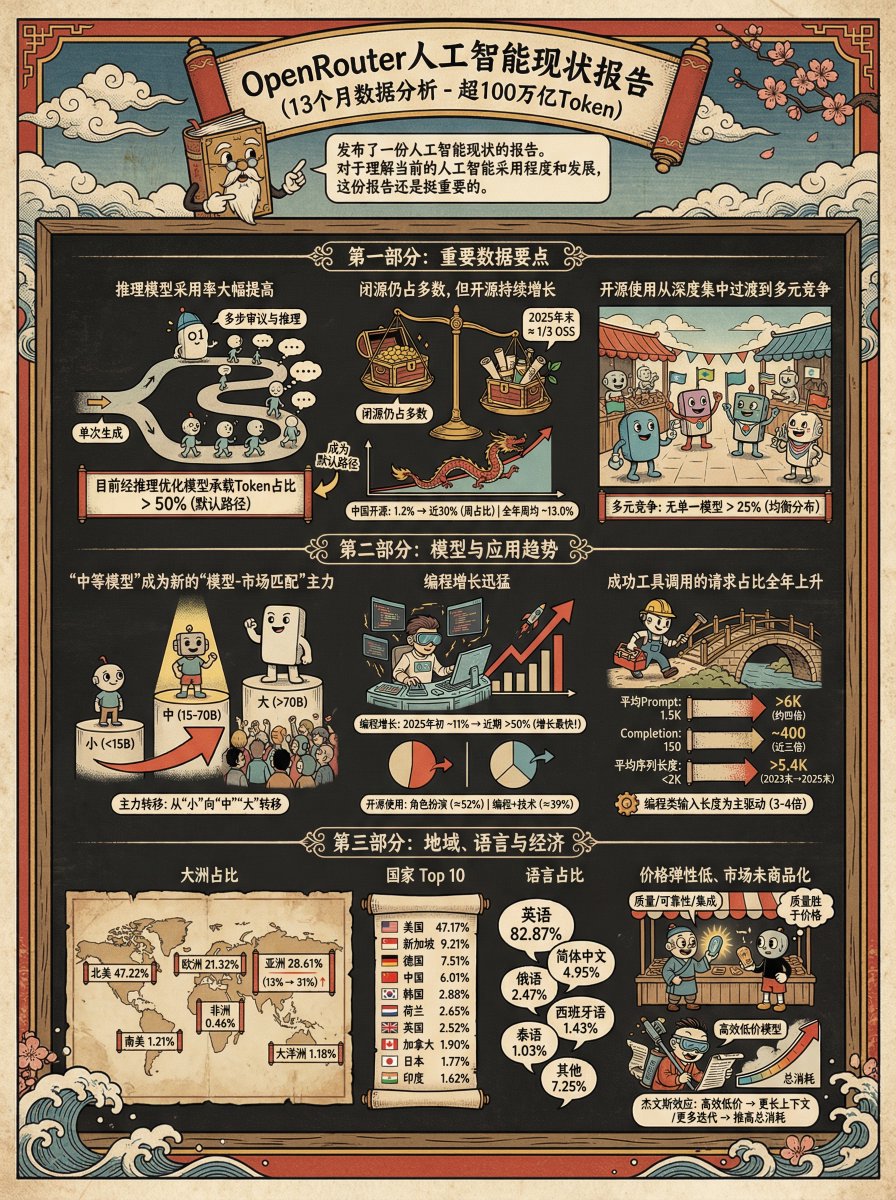
Ukiyo-e Teacup Head Infographic Prompt
Generate an infographic for the following content in the style of {argument name="style" default="Ukiyo-e"} + {argument name="character" default="Teacup Head"}
提示词库
汇集全球创作者的精选图像、视频与建站提示词。复制任意一条,替换主体或风格,即可用最新模型生成。
15,630 条提示词 · 每日更新 · 完全免费
共 606 条
Generate an infographic for the following content in the style of {argument name="style" default="Ukiyo-e"} + {argument name="character" default="Teacup Head"}
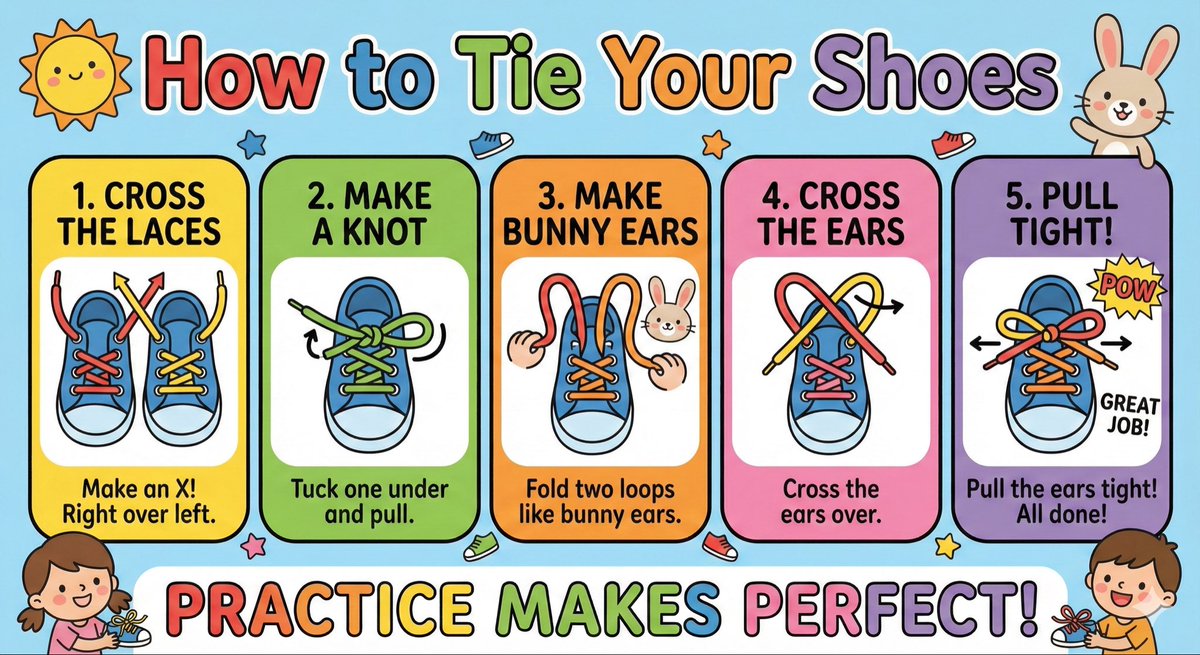
Make a cute ‘How to Tie Your Shoes’ poster for kids with big arrows, simple steps, bright colors, and friendly illustrations.
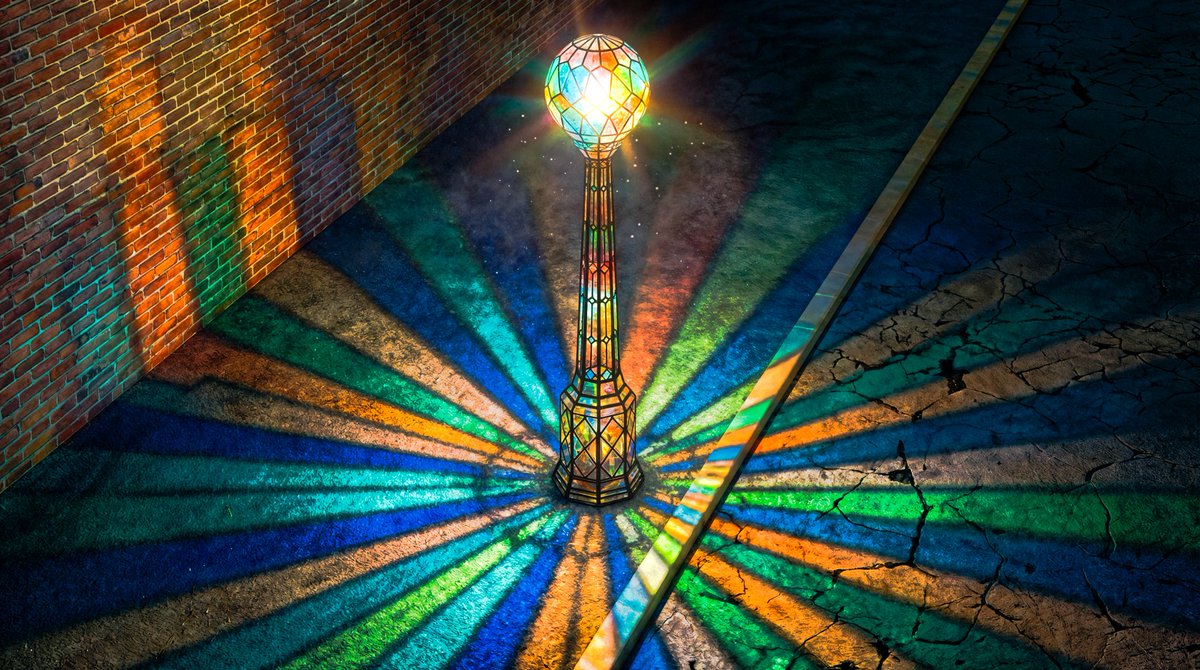
Render this image in the style of a Blender 3D Viewport, using Solid Shading mode with Wireframe Overlay enabled. Include visible Armature bones in X-Ray view, Object Outlines, and the 3D cursor grid floor.
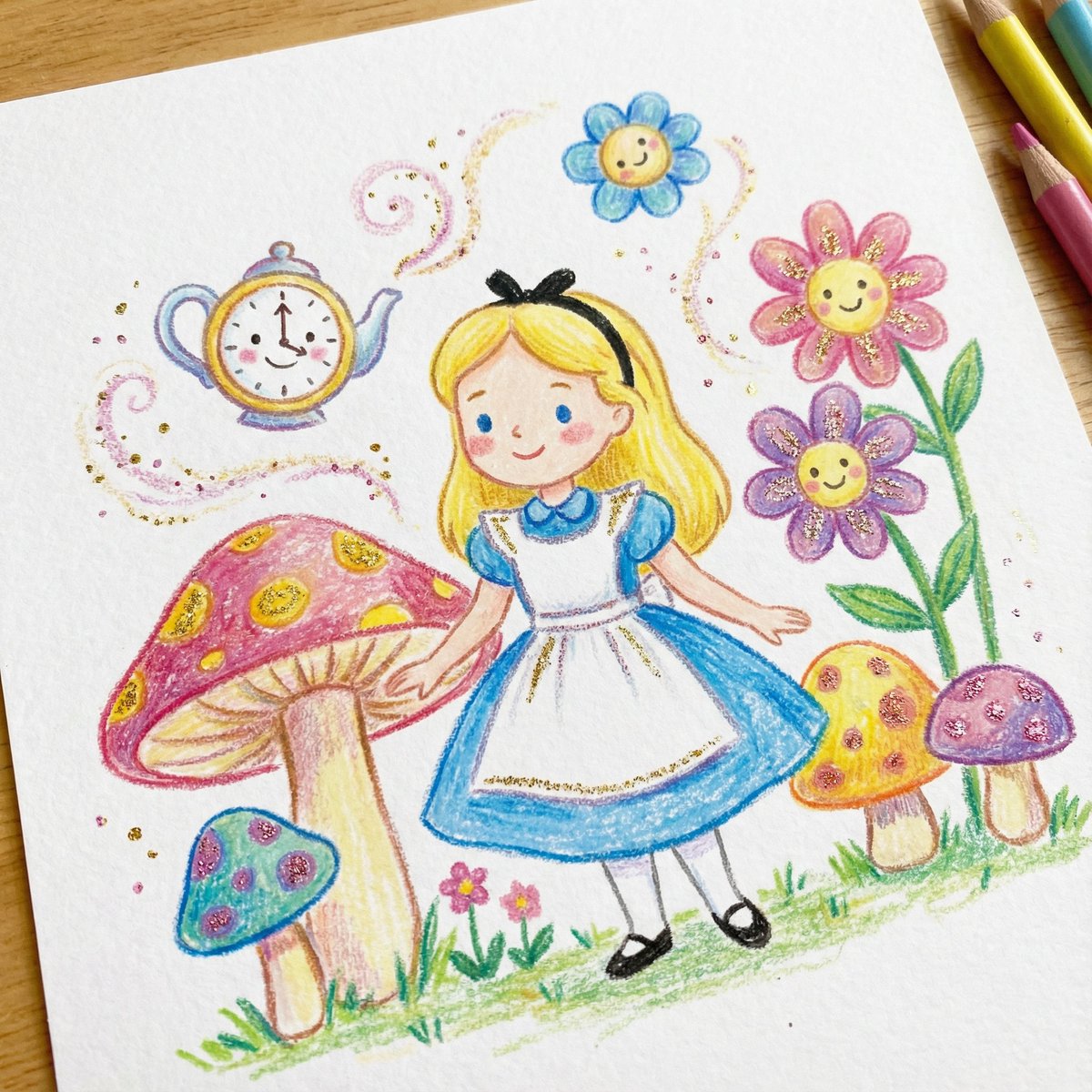
DRAWING a drawing of {argument name="character" default="[Character]"}, crayon on white paper, in the style of a children's book illustration – simple, cute, and full-color, with {argument name="glitter color" default="[two glitter accent colors]"} glitter accents and high detail.
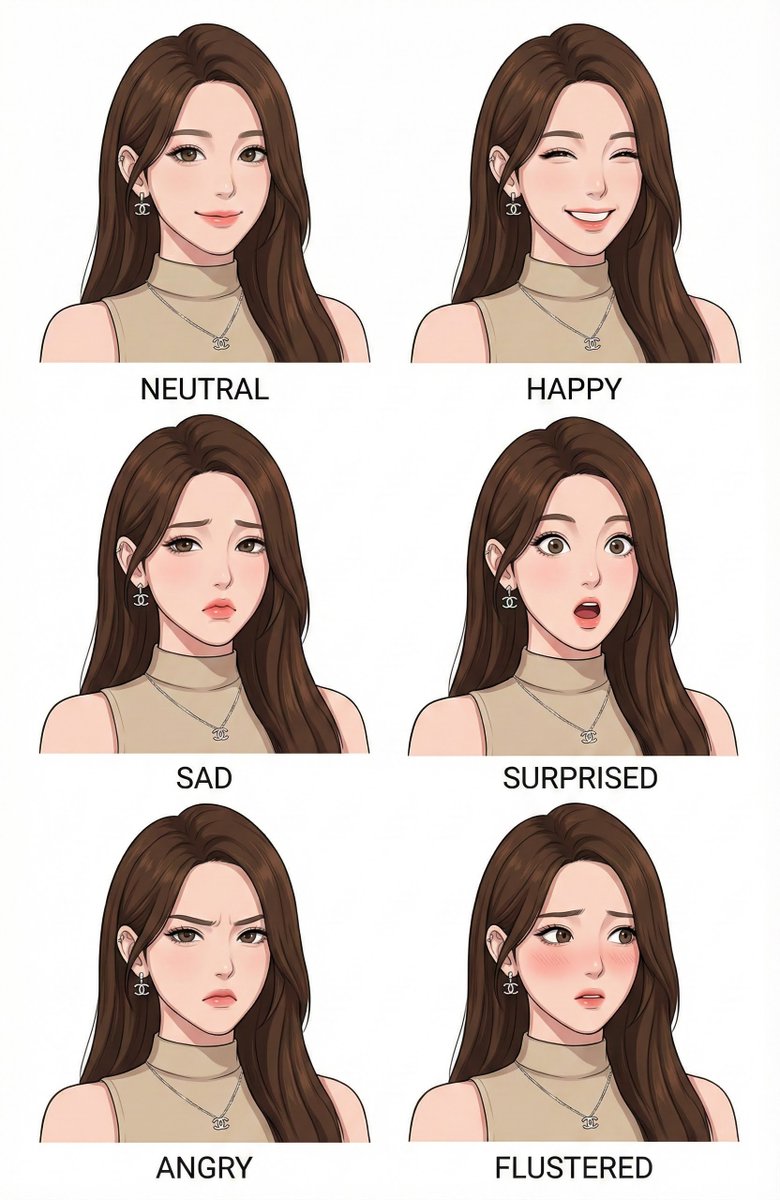
Make a character design expression style guide of image
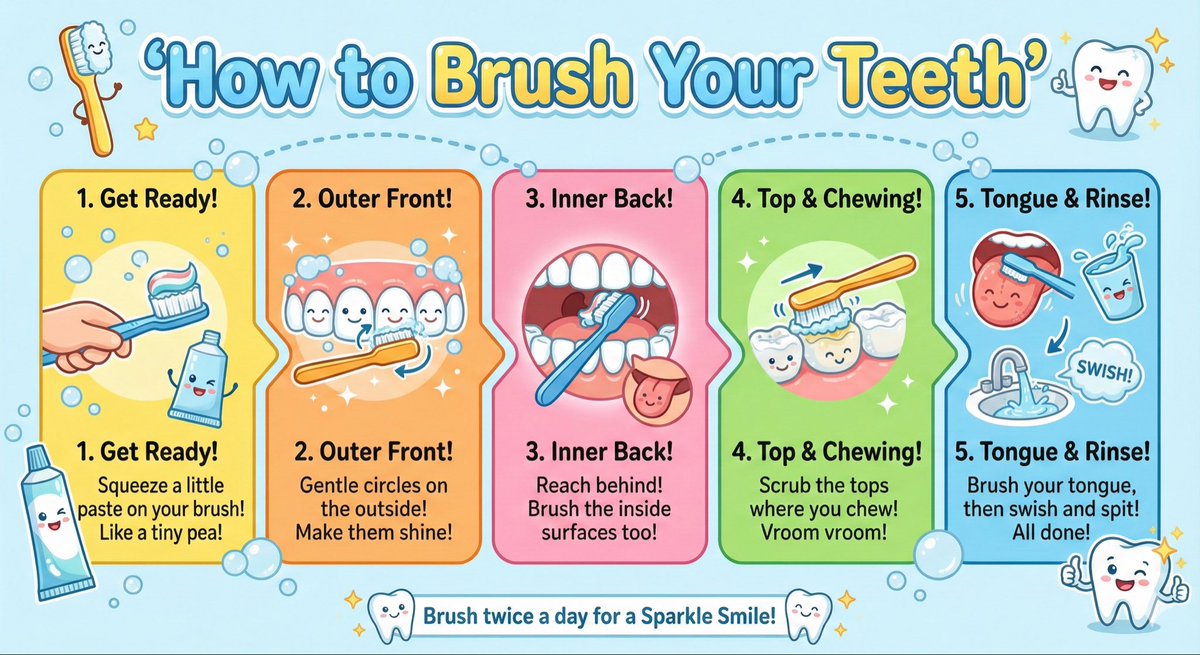
Create a kid-friendly ‘How to Brush Your Teeth’ poster with cartoon teeth, simple steps, bright colors, and big illustrations.
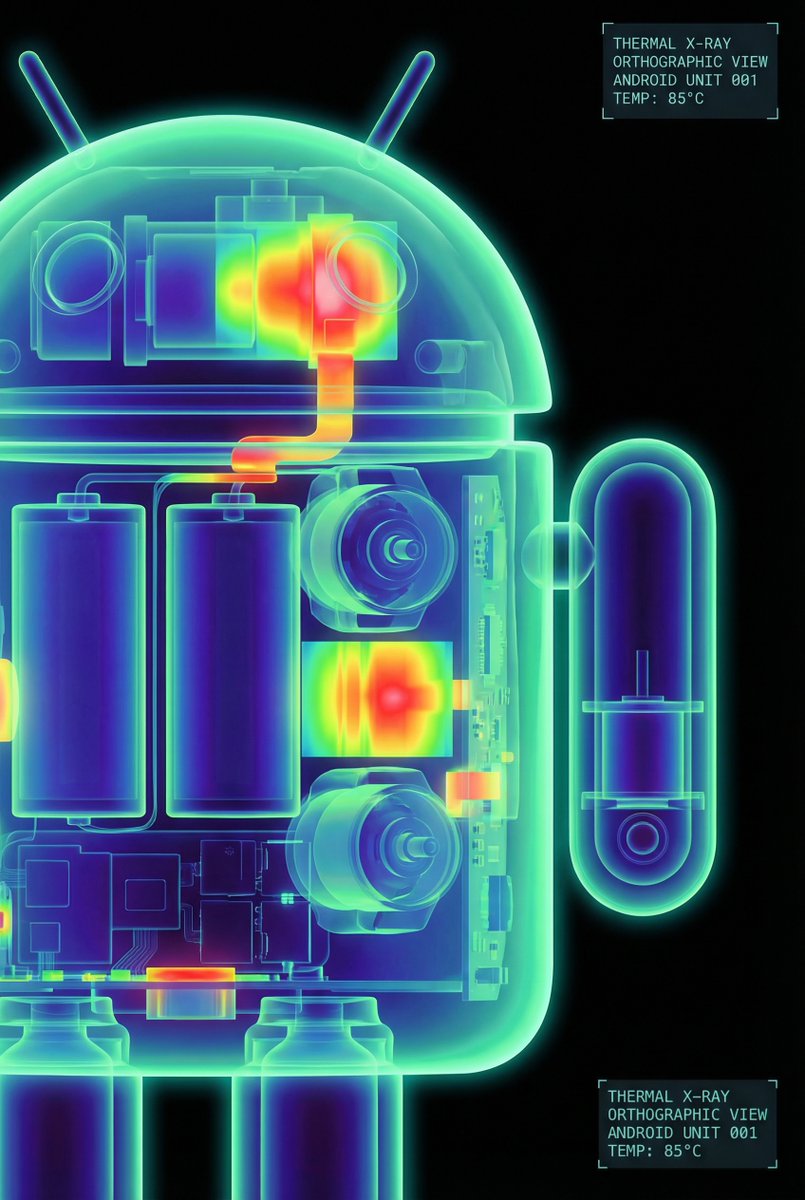
The Google Android robot, presented in a high-contrast scientific studio render against a pure black void. This tight right-side profile features a false-color thermal X-ray aesthetic, where the transparent shell reveals a sharply detailed internal architecture of batteries, drivers, and sensors using a vibrant heatmap gradient. The colors shift from deep cool blues to intense yellows and red highlights, creating a futuristic, clinical look with orthographic perspective and a soft, neon-like glow.
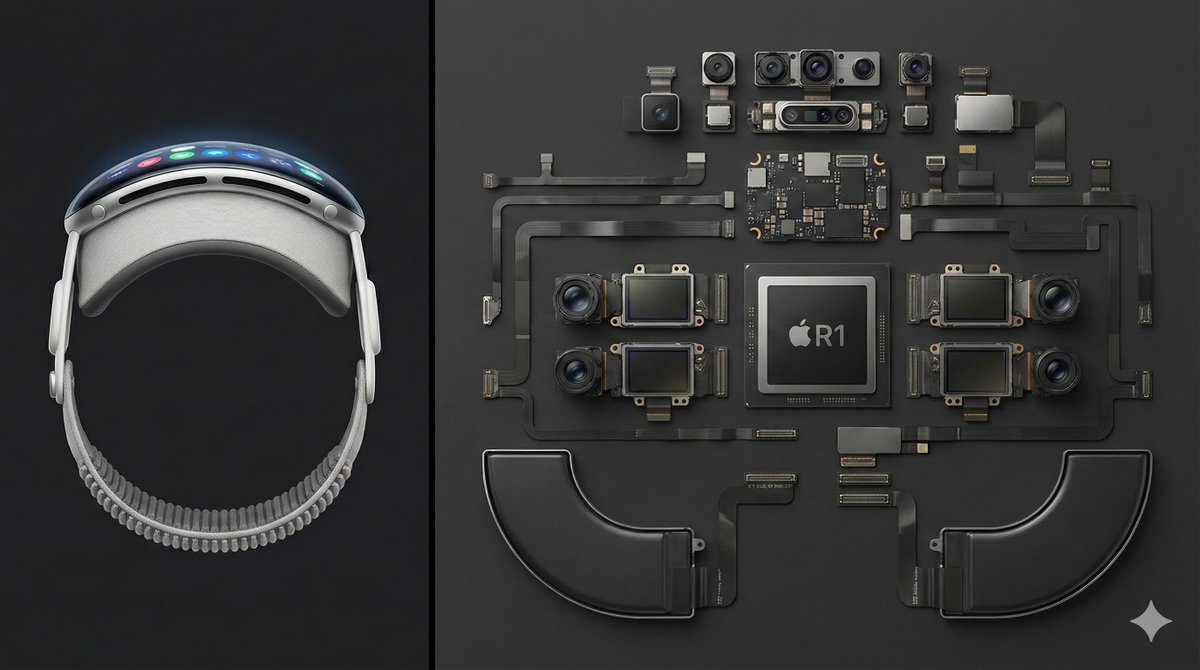
Deconstructed comparison photography of the latest Apple Vision Pro, split layout. Left 1/3 of the frame shows the complete device — front view, display interface illuminated, smooth curved aluminum frame clearly visible. Right 2/3 features the fully disassembled internal components, including the R1 chip, Micro-OLED display modules, camera and sensor array, battery units, and flex cable system, all arranged in a precise knolling geometric layout. Clean dark-gray background, high top-down angle, minimalist industrial aesthetic, crisp sharp detail — --ar 16:9
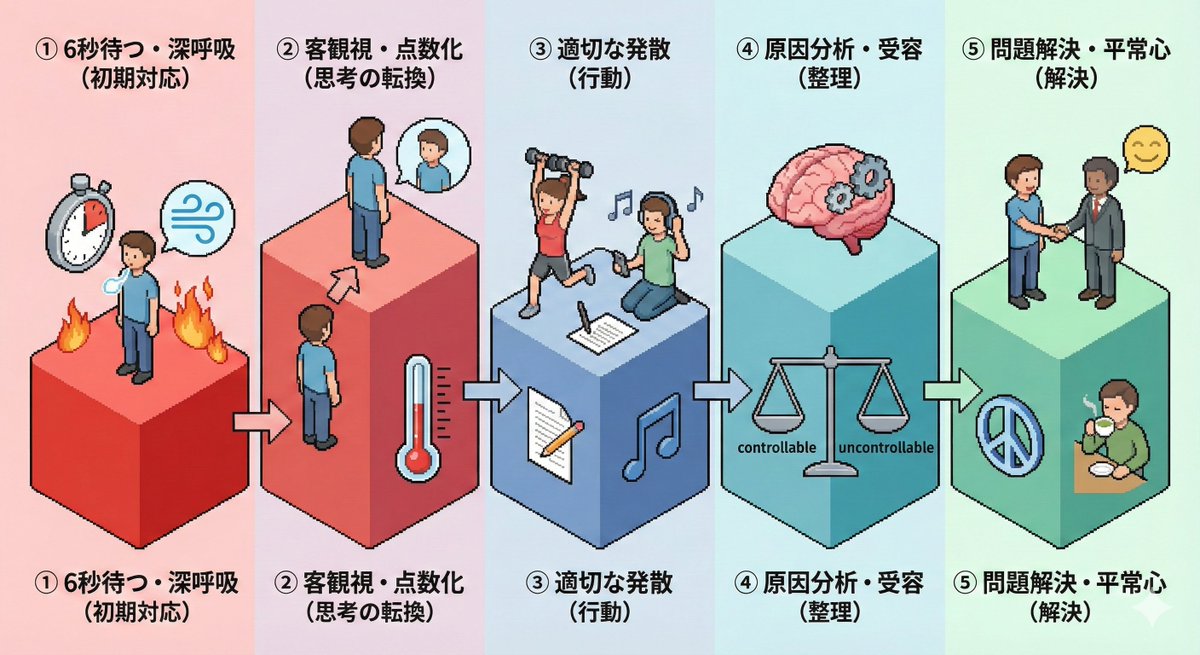
Please create an isometric pictogram diagram for "{argument name="theme" default="Steps to calm anger (anger management)"}".
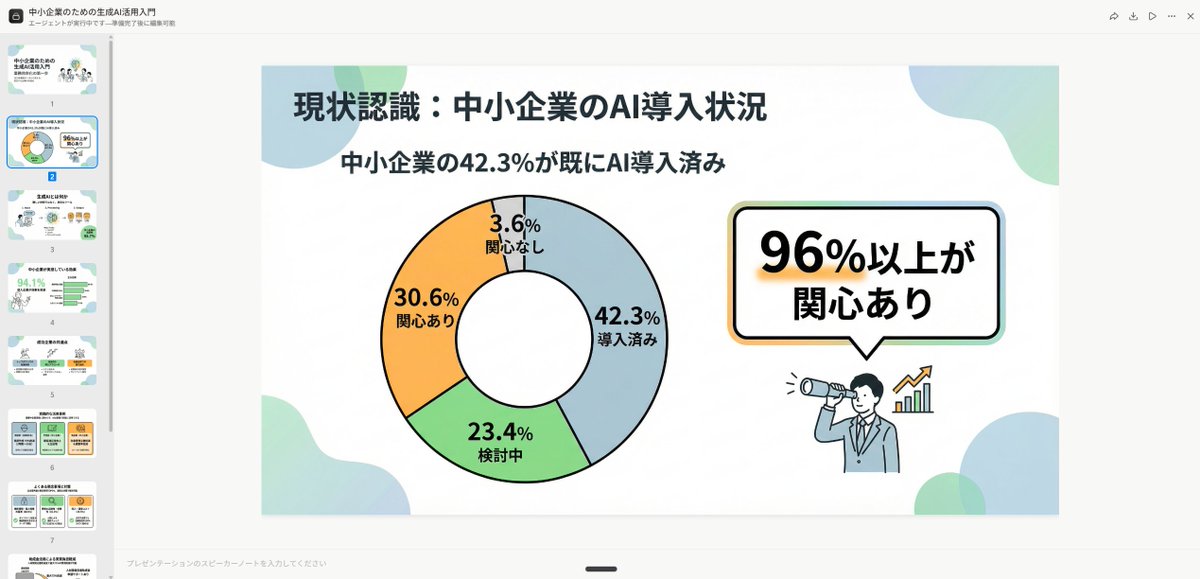
Simple and clean flat design. Place figures and icons drawn with uniform black outline lines, using pastel accent colors partially. Unify the line thickness as much as possible to create a modern impression. Emphasize rounded shapes and a soft impression. Diagram-centric composition (e.g., Venn diagrams, bar graphs, speech bubbles) with a friendly tone suitable for materials viewed by students and young people, or for social media. Maximize white space, focusing on visibility and balanced design.
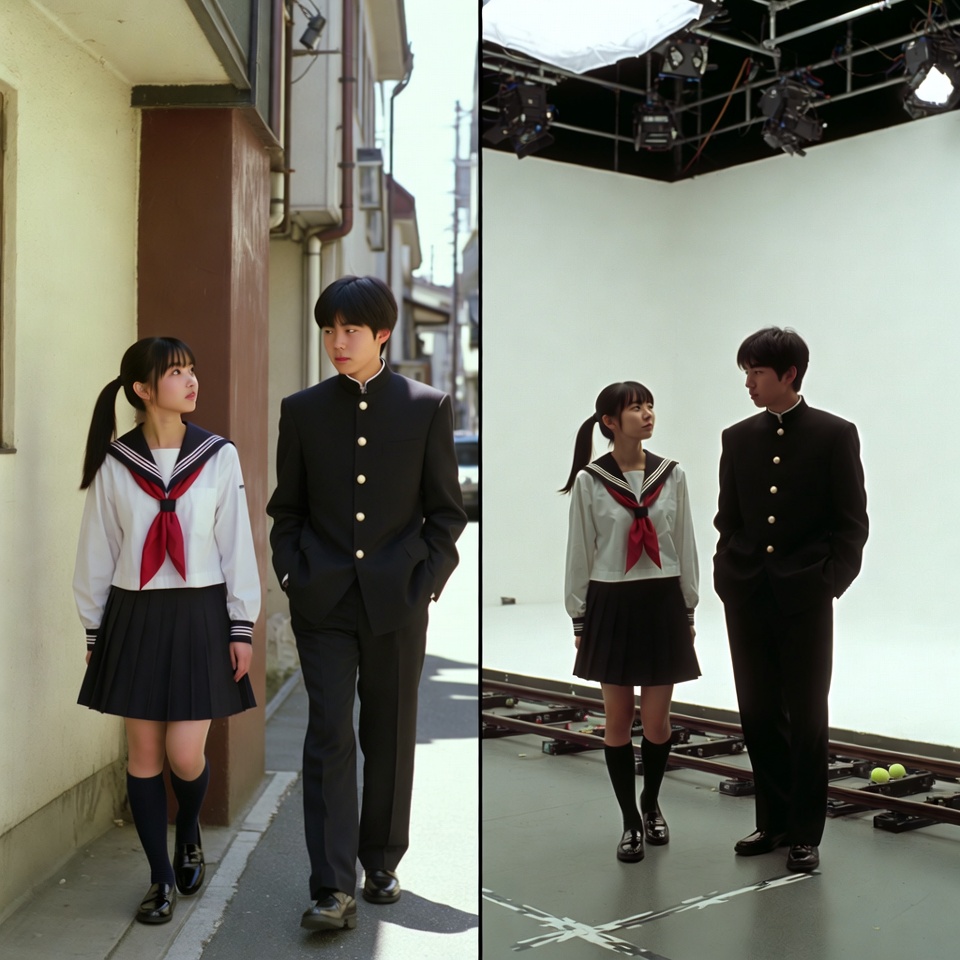
A VFX comparison image based on a scene described by the theme or specific content (Example: {argument name="theme" default="A woman flying over the sea"}), featuring the person in the attached image. VFX comparison composition with a split screen accurately aligned by a central vertical line. **IMPORTANT: The number of characters, gender, and appearance must exactly match the provided input image. Do not add or remove characters.** **Left Half (Finished Shot):** A photorealistic movie scene perfectly depicting the theme "**[Enter Theme]**". * **Character:** The person from the input image is performing actions (pose and expression) suitable for the theme "**[Enter Theme]**". * **Background:** A detailed and realistic environment (outdoor or indoor) suitable for the theme, with cinematic lighting and atmosphere. **Right Half (Green Screen Shooting):** Standing in a studio with a giant blue/green screen (chroma key) in the **exact same composition and pose** as the person in the left half. Visible white cyclorama wall, complex lighting rigs overhead, cables, black marks (tape) indicating standing positions, dolly tracks for camera rails, harsh studio lighting that is not blocked, faint shadows of the film crew visible at the edges. The background is a completely flat, solid green screen for compositing. Look and feel of VFX before-and-after from early 2000s Japanese cinema, texture of extremely degraded, low-quality analog video, noise, and color fading.
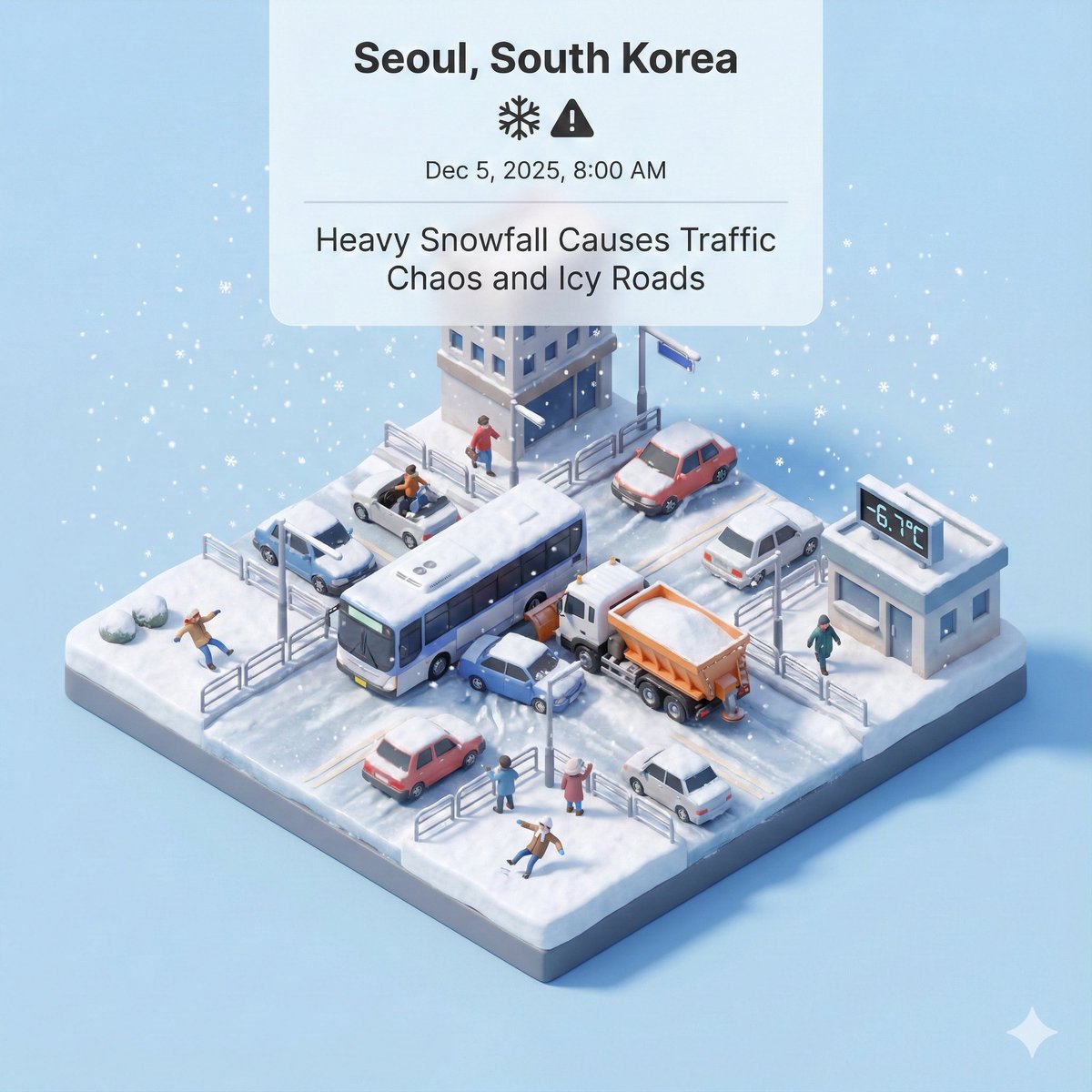
Generate a representative visual based on real-time news updates from South Korea
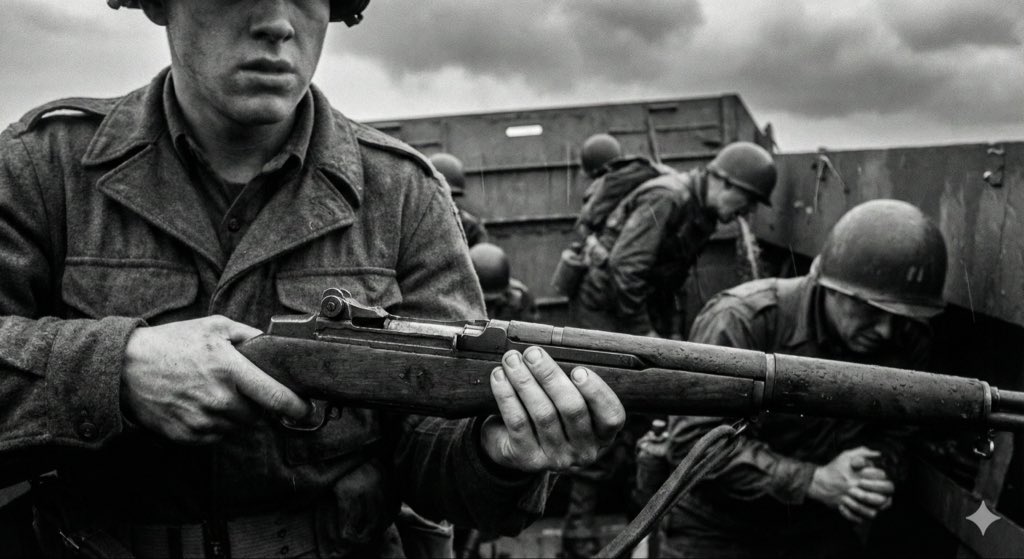
[Instruction: Based on the structured description below, generate an authentic documentary photography image.] Visual style: mid-20th-century war news photojournalism (1940–1970) – raw and unposed. 1. Core subject (specific micro narrative) {argument name="core scene" default="a mud-covered medic in a rainy trench bandaging a soldier’s arm, looking exhausted, with barbed wire obscuring the foreground"} 2. Aesthetic characteristics (anti-cinematic approach) Photography style definition: This must not look like a carefully lit movie still. It has to look like a raw, even slightly blurry moment, snapped by a war photographer under extreme pressure and danger. The composition should feel accidental, chaotic, slightly off-balance or imperfect. Prioritize absolute authenticity over perfect framing. Light and atmosphere: Avoid overly dramatic, theatrical, perfectly staged lighting. Use whatever light is available on site (usually bad): flat and oppressive overcast diffuse light, dim flickering indoor light, or harsh direct flash creating hard, ugly shadows. The atmosphere should feel gritty, dirty, and suffocatingly immersive. 3. Physical texture (film realism) Physical properties: Simulate high-speed, coarse-grain black-and-white film that has been push-processed. * Focus and blur: because of the chaotic, tense environment, the main subject may be slightly out of focus, soft, or shaken. Moving people or objects must show obvious motion blur to reflect the forced use of slow shutter speeds. * Grain: the whole image is covered with heavy, organic silver halide film grain. Avoid artificial scratches or frame borders added in post; focus on the rough materiality of the film itself. 4. Technical constraints * Color mode: monochrome black and white. * Lens language: 35mm wide-angle prime lens (classic reportage perspective including more environmental information). * Period accuracy: strictly consistent with the 1940s–1970s timeline (clothing, weapons, environmental details).
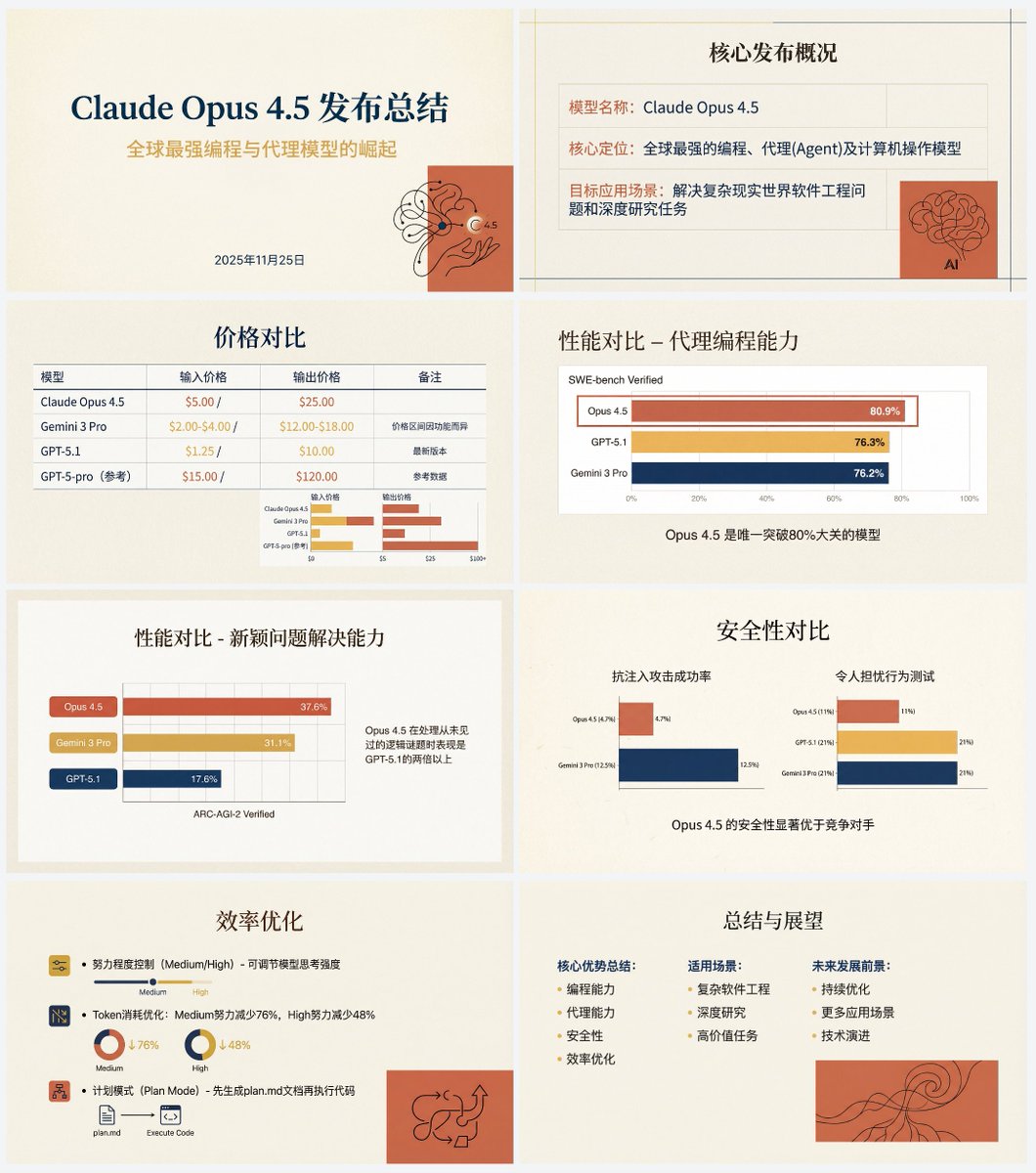
Based on the following article, create a professional Chinese PPT for me. First write a PPT outline and plan the content of each slide. Then feed the content of each slide to Nano Banana Pro to generate the corresponding PPT page, ensuring a consistent style. The specific PPT style should be an “Anthropic/Claude-style” warm academic humanistic design. Background: use warm beige/cream (#F3F0E9) as a solid base color, with a slightly premium paper texture. Fonts: use an elegant serif font for titles and a modern sans-serif font for body text. Color palette: the main colors are terracotta red (#D67052) and mustard yellow (#F0B857), accented with deep navy blue. Avoid neon colors or pure black. Visual elements: use a grid layout that emphasizes typography. Illustration style should be abstract, organic black hand-drawn line art placed on solid terracotta red blocks. You must use illustrations and decorative elements very sparingly, and they should serve the content. Charts: flat and minimal charts that emphasize data comparison, removing unnecessary borders. Both text and images are generated by Nano Banana Pro. Also, do not turn the PPT into one single large image; it should be one image per slide. The article content is:
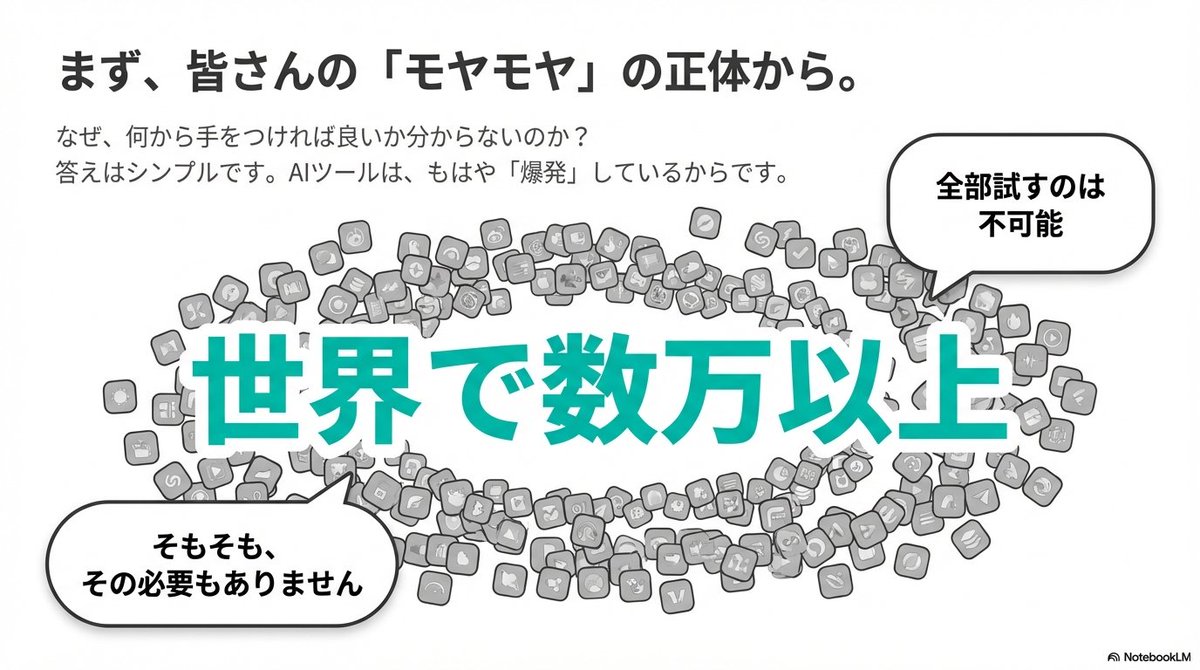
Brand color: [{argument name="brand color" default="#06c7b0"}] A simple and clean flat design. Place people and icons drawn with uniform black outline lines, and partially use pastel accent colors (such as sky blue and coral pink). Emphasize rounded shapes and a soft overall impression. Use a diagram-centered layout (for example: Venn diagrams, bar graphs, speech bubbles), with a friendly tone suitable for materials and social media content aimed at students and younger audiences. Leave plenty of white space to prioritize legibility and balanced composition.
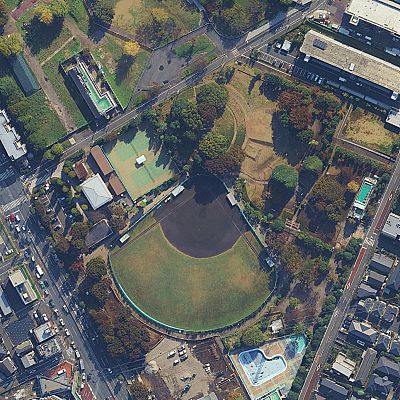
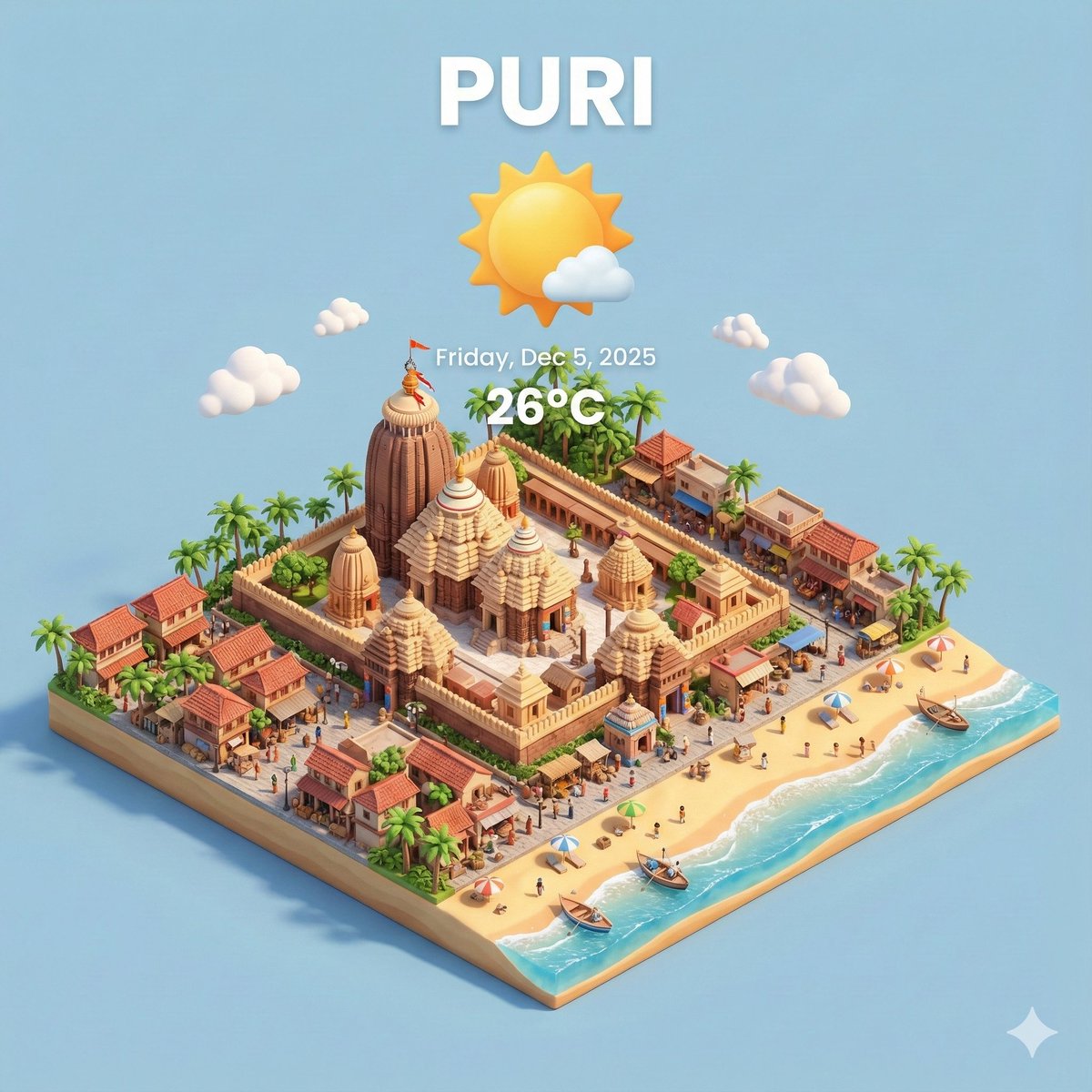
Transform this aerial map view into an illustrated aerial photograph captured from above. Create a vibrant, animated aesthetic with brilliant colors and scatter miniature figures throughout the scene for a whimsical, magazine-quality illustrated result.
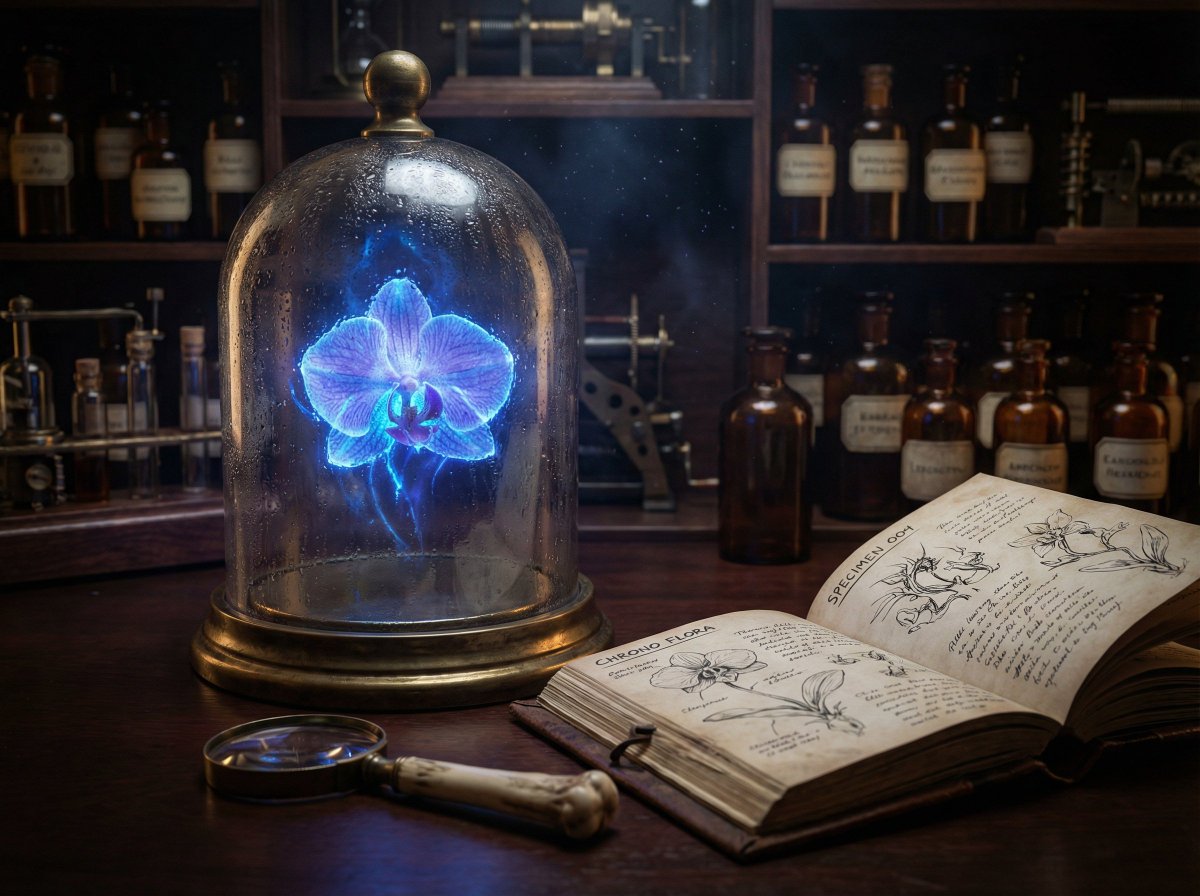
{ "prompt": "A hyper-realistic, cinematic close-up of a Victorian steampunk botanist's workbench. In the center, a heavy, oxidized brass-rimmed bell jar contains a levitating, bioluminescent orchid that glows with a pulsating electric blue light. The light from the flower illuminates dust motes dancing in the air. Next to the jar is a weathered leather field journal open to a page of complex anatomical sketches. A magnifying glass with a bone handle rests on the mahogany desk. In the background, shelves are filled with amber-colored apothecary bottles. The scene captures the texture of condensation on the glass, the grain of the wood, and the subsurface scattering of the flower petals. Shot on an 85mm macro lens, f/1.8 aperture, low-key lighting with high contrast.", "parameters": { "aspect_ratio": "21:9", "output_resolution": "4K", "guidance_scale": 8.0, "style_preset": "Cinematic", "seed": null }, "advanced_config": { "identity_locking": false, "text_rendering_enabled": true, "required_text": [ "SPECIMEN 004", "CHRONO FLORA" ] } }
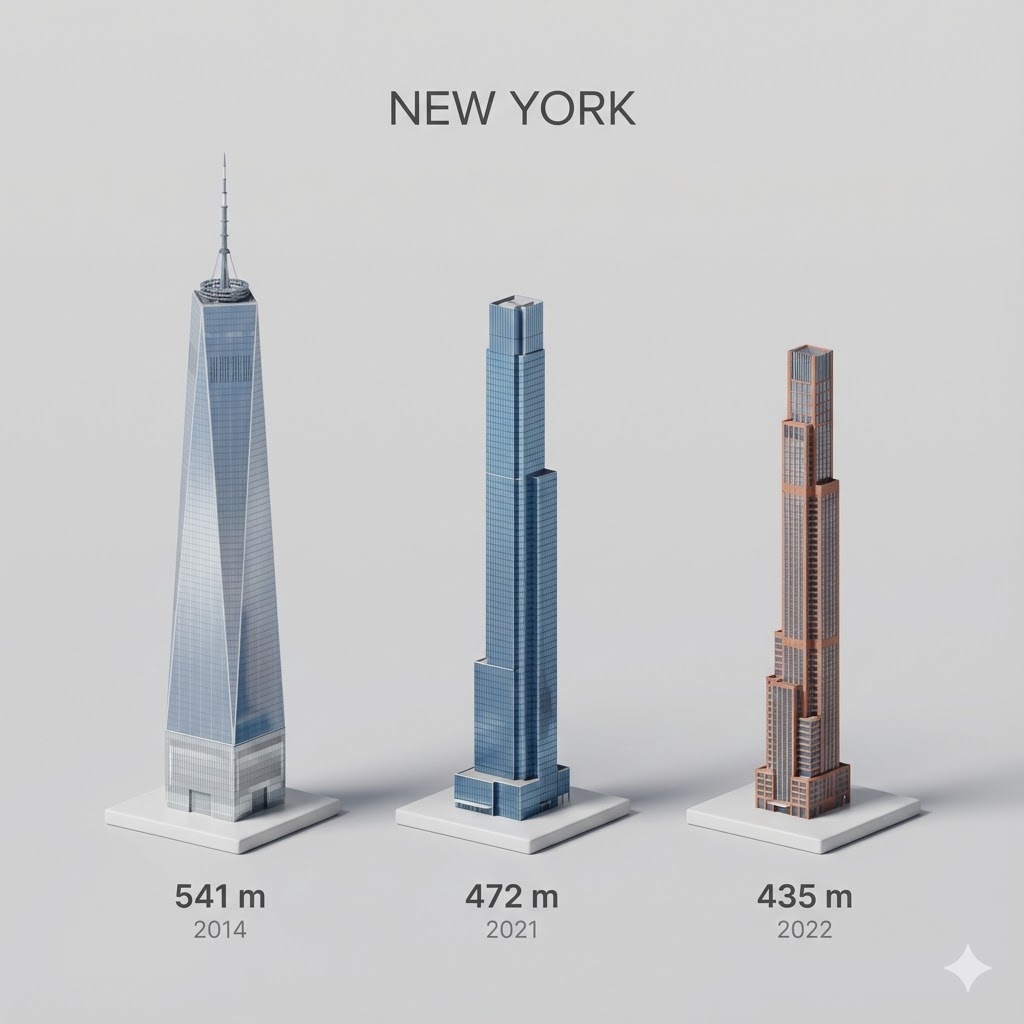
Present a clear, side miniature 3D cartoon view of the tallest buildings in {argument name="city in English" default="YOUR CITY"}. Use minimal textures with realistic materials and soft, lifelike lighting and shadows. Use a clean, minimalistic composition showing exactly the three tallest buildings in {argument name="reference city in English" default="Sopot"}, arranged from left to right in strict descending height order. The tallest must appear visibly tallest, the second must be clearly shorter than the first, and the third must be clearly shorter than the second. All buildings must follow accurate relative proportions: if a building is taller in real life, it must be taller in the image by the same approximate ratio. No building may be visually stretched or compressed. Each building should stand separately on a thin, simple ceramic base. Below each base, centered text should display: Height in meters — semibold sans-serif, medium size Year built — lighter-weight sans-serif, smaller size, directly beneath the height text Provide consistent padding, spacing, leading, and kerning. Write “{argument name="city name title" default="YOUR CITY NAME"}” centered above the buildings, using a medium-sized sans-serif font. No building top should overlap or touch the text above. Use accurate architectural proportions based on real-world references. Maintain a consistent camera angle and identical scale for each building model. No forced perspective. Use straight-on orthographic-style rendering. Do not exaggerate or stylize size differences beyond proportional accuracy. Use a square 1080×1080 composition. Use a clean, neutral background. Ensure no extra objects are present.
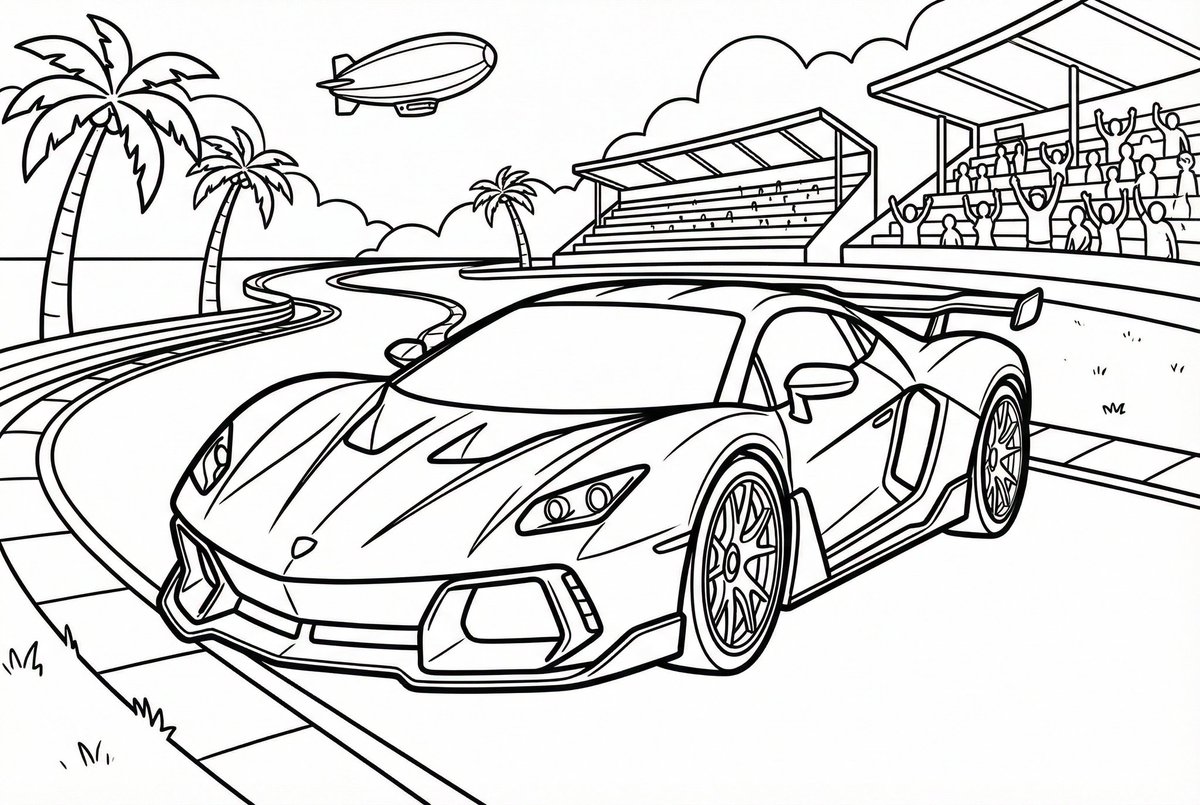
Create line art for a coloring page. The target age is {argument name="target age" default="9"} years old, and the coloring subject is {argument name="coloring subject" default="a sports car"}. Draw everything with black lines and keep the background completely white (#ffffff). Make it in a format suitable for printing, and do not draw any extra elements outside the canvas.
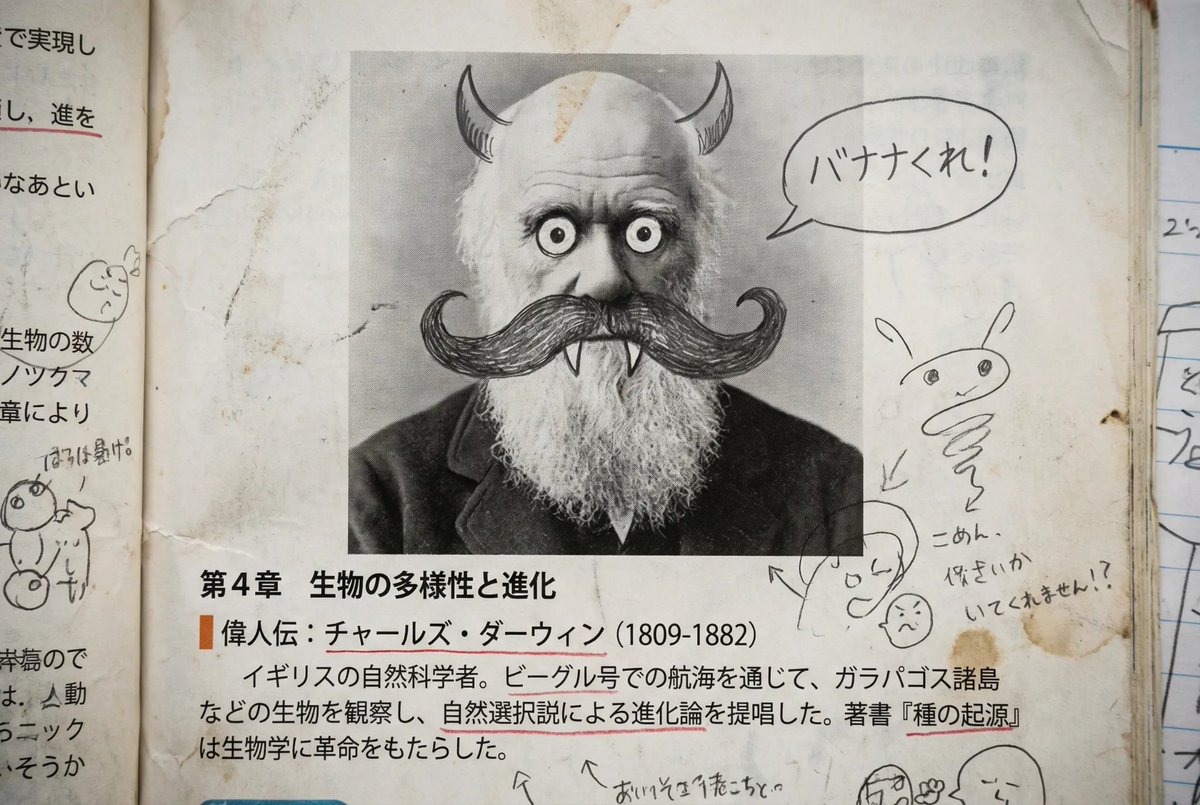
A page from a history textbook used by Japanese middle school students. It is a page where a student has doodled with a pencil over the portrait photo in a great person’s profile to turn it into a funny face. Edit and correct the textbook text so that it is written in proper Japanese and ensure the content is based on historical facts.
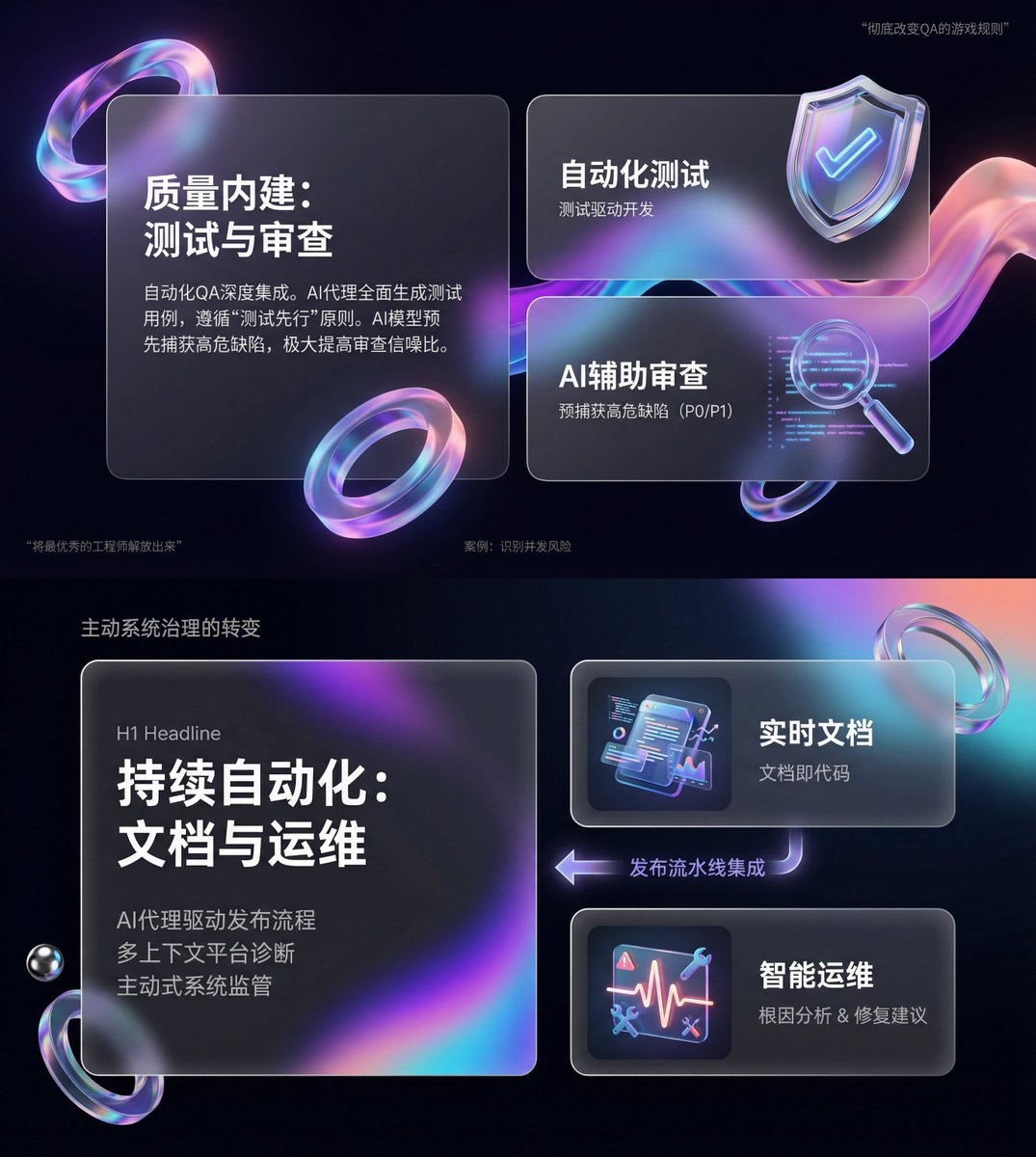
You are an expert-level UI/UX presentation designer. Generate high-fidelity, futuristic 16:9 presentation slides. Based on visual balance aesthetics, automatically choose the most perfect composition among a cover, grid layout, or data visualization. For the global visual language, the style should seamlessly blend Apple Keynote minimalism, modern SaaS product design, and glassmorphism. The overall mood should feel premium, immersive, clean, and breathable. Use cinematic volumetric lighting, soft ray-traced reflections, and ambient occlusion. For the color scheme, choose either deep void black or pure ceramic white as the base, accented with flowing aurora gradients such as neon purple, electric blue, soft coral orange, and cyan for the background and UI highlights. For the content modules on each slide, intelligently integrate the following elements: 1. Use a bento grid system as the layout engine, organizing content inside modular rounded-rectangle containers. The containers must be frosted glass with blur, featuring delicate white edges and soft shadows, and strictly preserve generous internal whitespace to avoid crowding. 2. Insert gift-like 3D objects, rendering unique, high-end abstract 3D artifacts as visual anchors. They should look like tangible, expensive gifts or collectibles, with materials such as polished metal, iridescent acrylic, transparent glass, or soft silicone, and shapes like floating capsules, spheres, shields, Möbius strips, or fluid waves. 3. For typography and data, use clean sans-serif fonts with high contrast. If there are charts, use glowing 3D donut charts, capsule-shaped progress bars, or floating numbers; the charts should look like glowing neon toys. Composition logic reference: If generating a cover, place a huge, complex 3D glass object in the center with bold large text over it and aurora waves stretching in the background. If generating a content slide, use the bento grid layout with 3D icons on small cards and text on large cards. If generating a data slide, use a split-screen design: typography on the left, and a large, glowing 3D data visualization chart floating on the right. Rendering quality requirements: Unreal Engine 5 rendering, 8K resolution, ultra-detailed textures, strong UI design sense, UX interface, Dribbble trending style, award-winning design quality.
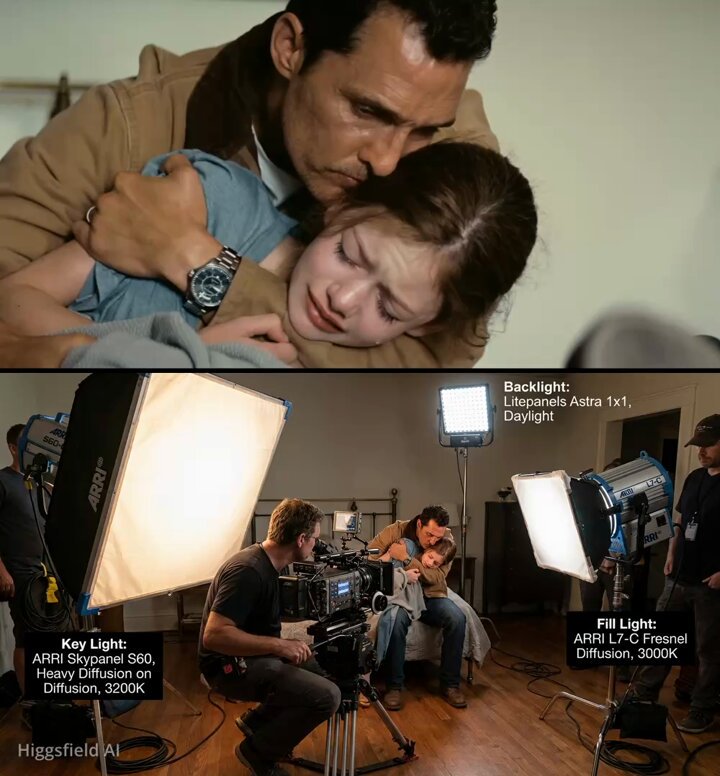
Generate a realistic image that shows where the camera and lights are placed to film this scene and label all the elements that appear
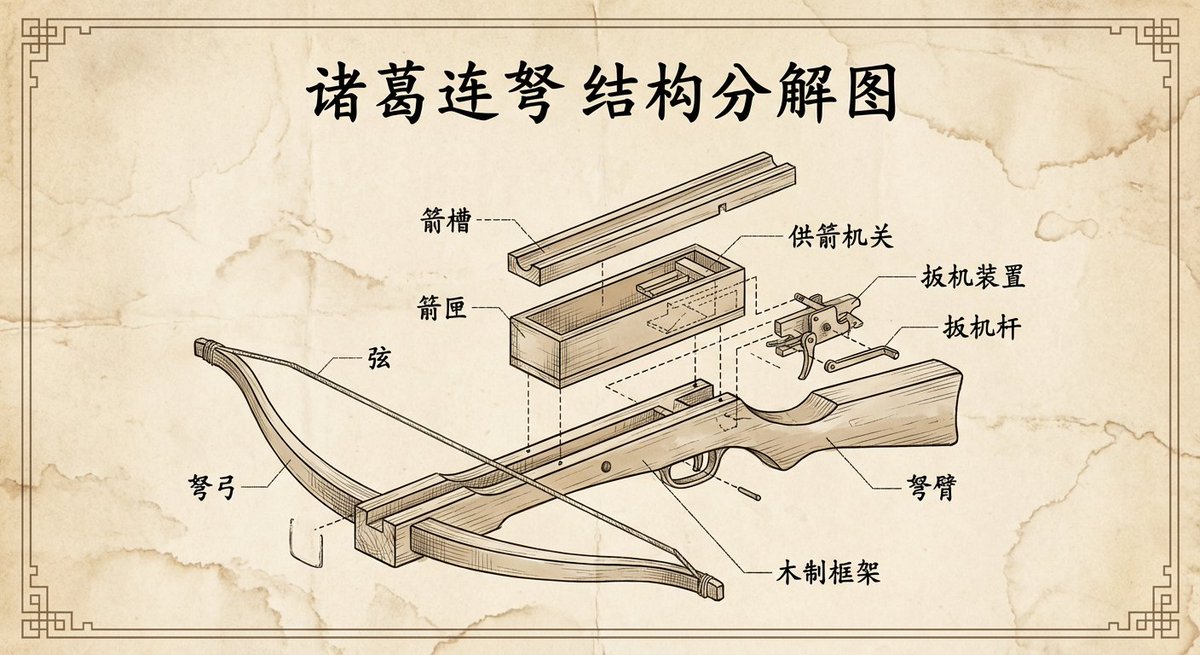
Please create a vintage-style engineering exploded view diagram of the {argument name="weapon_name" default="Zhuge repeating crossbow"}, with all labels and text in Chinese.
部分提示词收录自 X 平台创作者,版权归原作者所有。