IMAGE
Stills that stay on brief
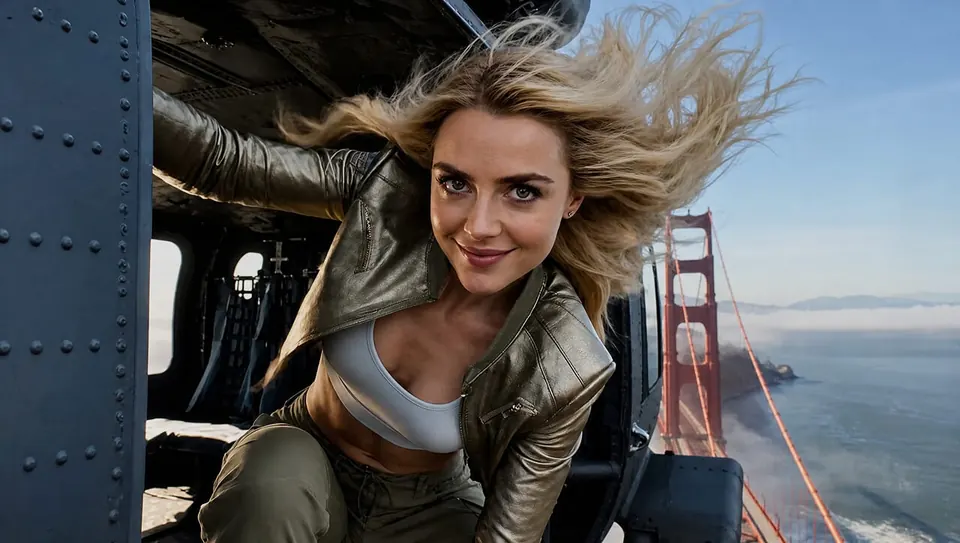
Posters, product shots, restyles, and markup edits. Describe the look or mark the frame — the agent routes to the right image model.
Powered by leading image, video, and audio models
WHY THIS AGENT?
Switch modes when you need to. Generate stills, render clips, or speak a script — every take stays in the same conversation.
IMAGE
Posters, product shots, restyles, and markup edits. Describe the look or mark the frame — the agent routes to the right image model.
VIDEO
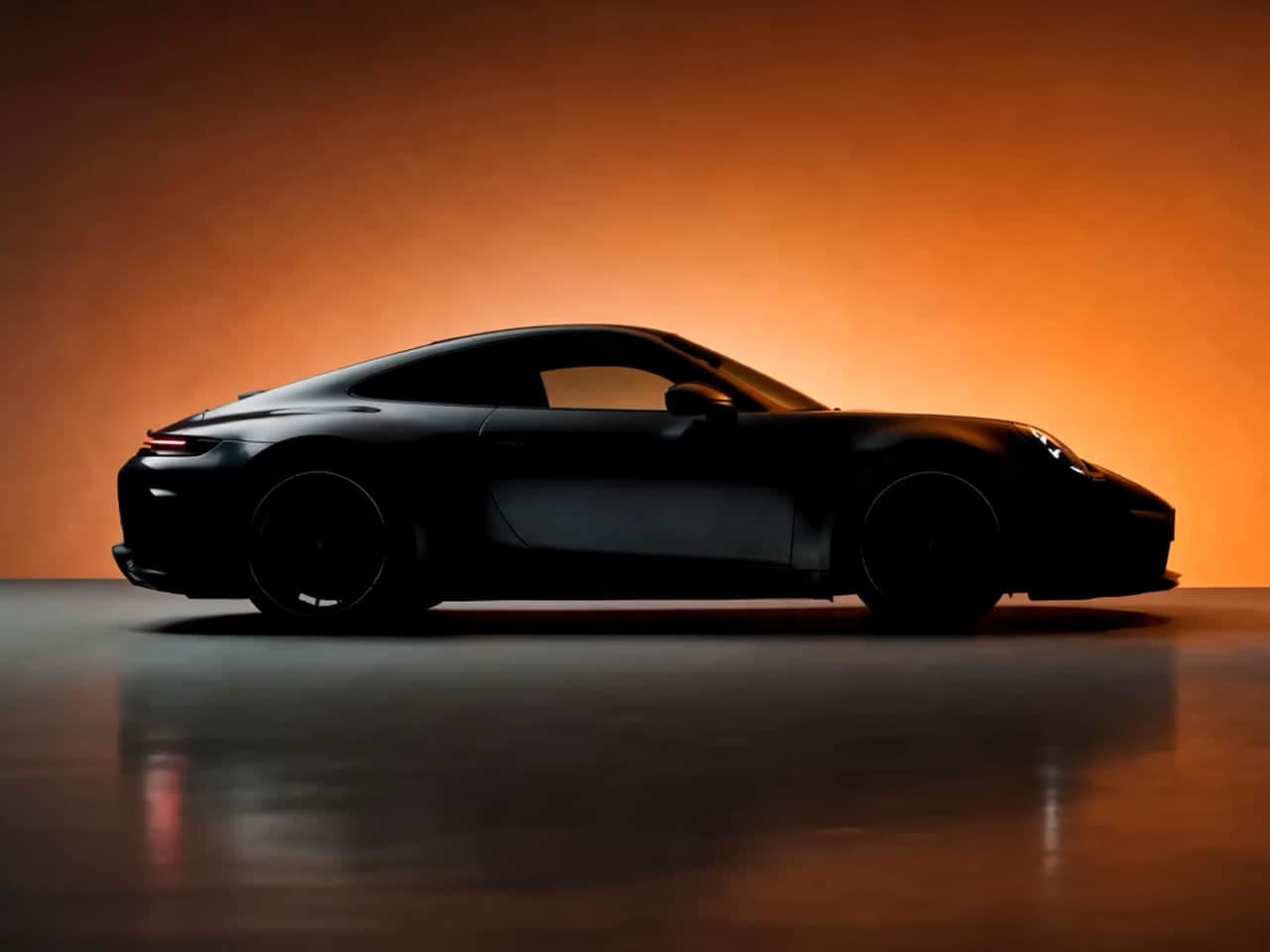
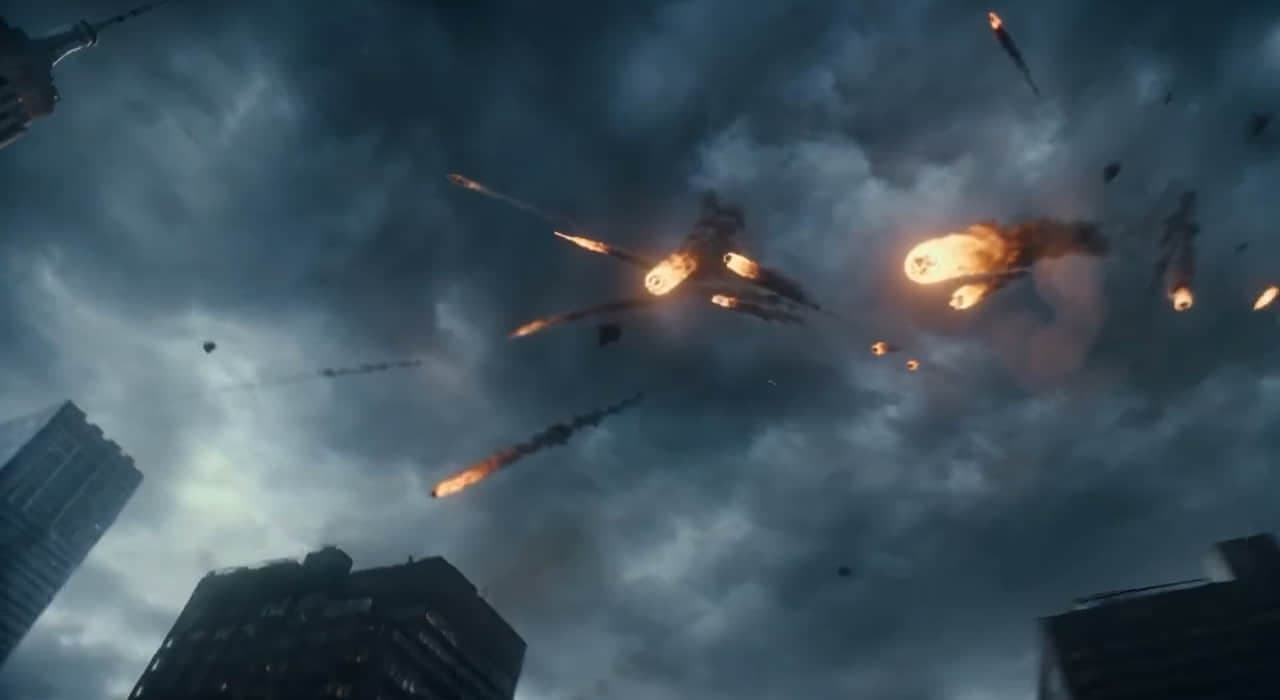
Turn a sentence into a camera move, or animate a photo as the opening frame. Compare takes without leaving the chat.
AUDIO
Narration, multilingual speech, or a music bed. Pick a voice and pace, then keep iterating until the take lands.
Ask for a poster, a 5-second push-in, or a calm VO. Switch Image / Video / Audio mode mid-conversation — one wallet, one thread.
Images, clips, and audio never overwrite each other. Compare versions, jump back, or branch from any take.
HOW IT WORKS
No timelines to learn. Describe what you want, let the agent generate, then refine in the same chat.
Pick Image, Video, or Audio. Write a prompt, attach a reference if you have one, and send.
It selects the model and settings for the job — still, clip, speech, or music — and returns a take you can preview.
Ask for another angle, a longer clip, or a different voice. Every version stays in the sidebar for comparison.
FREQUENTLY ASKED QUESTIONS
Images, video clips, and audio (speech or music) in one conversation. Switch Image / Video / Audio mode as you go — generate or edit stills, render motion from a prompt or photo, or produce a voice/music take. Everything stays in the same thread.
Usually minutes. Images and speech are typically faster; video models queue and render longer — a 5-second clip is often 1–3 minutes. You can keep chatting while it works.
Usually five or ten seconds per render, depending on the model. For longer sequences, generate shots one at a time and cut them together — the agent can help plan the shot list.
Image models (such as GPT Image and Nano Banana), video models (MiniMax H3, Seedance), and audio models (ElevenLabs, Gemini TTS, Suno, and more). Pick per take, or let the agent choose.
Yes. Upload a still and describe what should move for video, or switch to Audio mode for narration and music beds that match your scene.
Paid outputs can be used for commercial projects subject to our Terms of Service and applicable intellectual property law. You remain responsible for having the rights to your inputs and for how you use the generated content.
Image, video and audio share one credit wallet. The composer shows the estimated cost before you send. Eligible technical failures receive credit refunds; tasks rejected for content or policy restrictions may not. See Pricing and the Terms of Service for details.
Your uploads and generated media are encrypted in transit and at rest. We never train on your content. You can permanently delete any conversation or file at any time.
Yes. All signed-in users can use the Agent with credits; no Premium plan is required. Your account holds your media, take history, and credit balance.
Open a ticket from the dashboard, or email us — we read every message and ship fixes weekly.
Create images, videos, and audio with Kenerate AI Agent in one chat, using a shared credit wallet.